





Would You Like a Current View of Your IT Environment?
Create a free company account and see how the Codenica system works in practice.
The Codenica system helps a large organization build a current picture of its IT environment: which computers operate across its locations, what hardware they contain, which software is installed, who uses them, and where issues arise. The agent collects data from computers automatically, while monitoring adds the information needed for ITAM records, audits, workstation maintenance, and security oversight. In the same system, the organization can keep records of software, licenses, devices, documents, and its own asset categories. The Enterprise license adds a service desk with incident, problem, change, and release management when the organization wants to connect asset data with ITIL processes. Codenica Cloud runs in Microsoft Azure. Codenica On-Premise is installed inside the company and keeps the database, files, configuration, and monitoring data in the organization’s own infrastructure. An On-Premise installation can operate 100% offline, with no contact with Codenica servers and no Internet access.
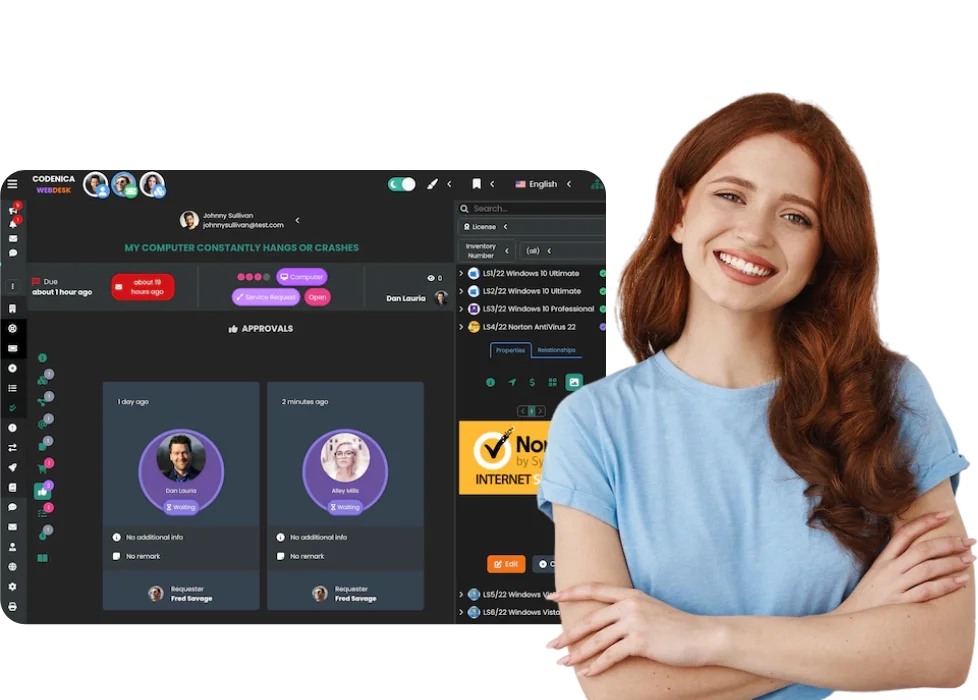

In a large organization, computer monitoring is not only about observing user activity. Its most important role is to provide current data about workstations, hardware, software, and security settings. Instead of relying on periodic surveys and manually prepared branch reports, the IT team can maintain records using information collected automatically while computers are in use.
When managing IT assets, it matters not only what the system collects, but also where the data is stored and who can access it. Codenica lets the organization choose a deployment model that fits its policy: Cloud in Microsoft Azure or On-Premise in company-owned infrastructure.
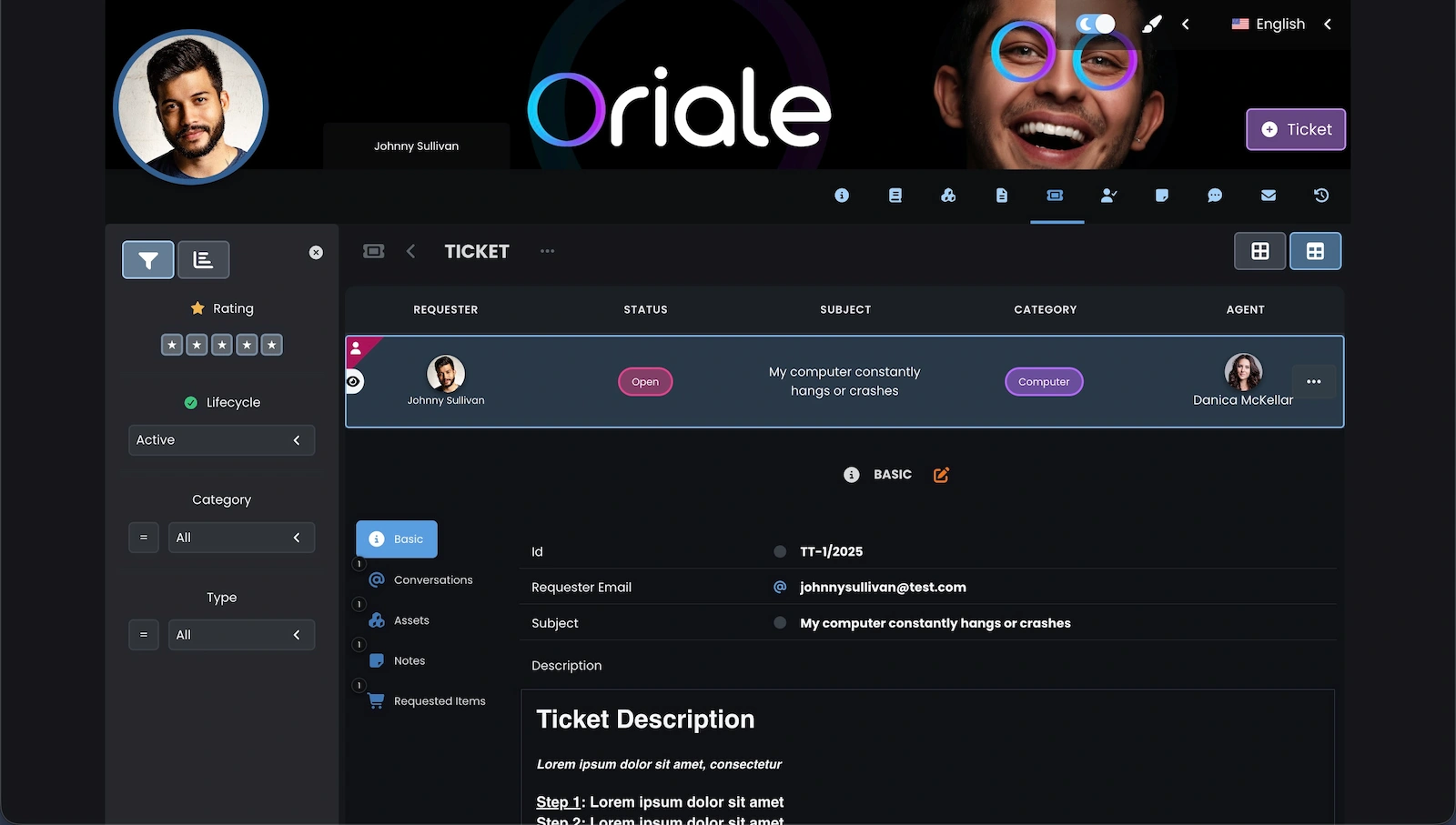
A large organization can first organize data about computers and assets, then open a structured support channel for employees and customers. The Client Portal does not sit beside the IT inventory. It uses the same structure of users, locations, and teams.
An enterprise may have a central IT department, local support teams, branches in different cities, and employees who work remotely. The Codenica system keeps asset records shared while separating views and responsibilities to match the organization’s structure. Each team works with the same current information, but sees only the area it is responsible for.
Monitoring and ITAM give the organization knowledge about the current state of its environment. The Enterprise license lets it use that knowledge in everyday support and IT change work. It adds service desk processes that help the team move from a single request to problem analysis, controlled change, and planned release.
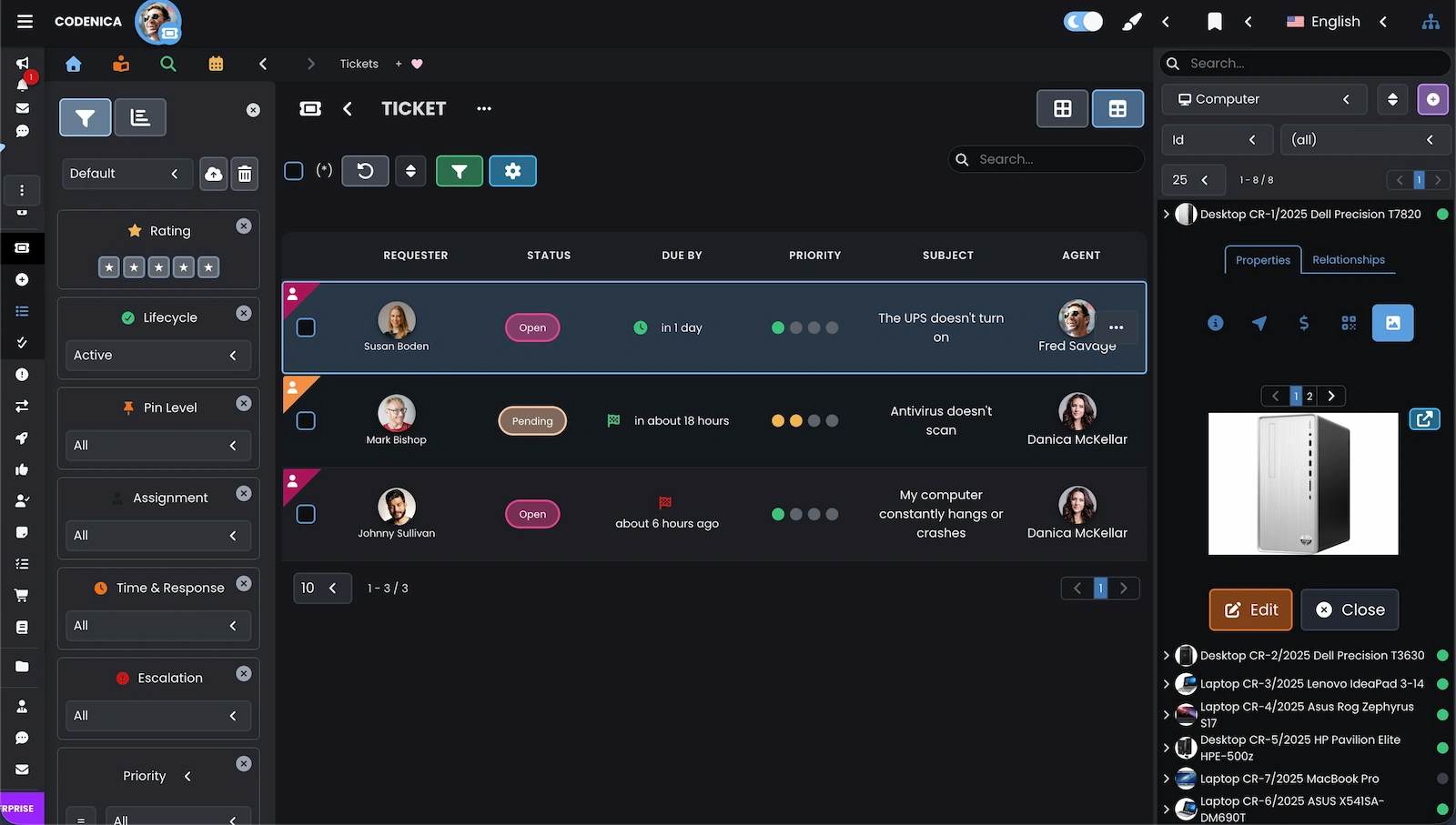
In an organization with hundreds or thousands of workstations, manually maintained records quickly lose their value. ITAM in the Codenica system combines data collected automatically from computers with information the company wants to maintain itself: licenses, documents, assignments, locations, custom categories, and change history.
A large company may begin with computer monitoring and automated inventory, then need a way to handle incidents, analyze problems, and control changes. The Enterprise license brings these areas together in one system instead of requiring a separate asset register and a separate ticketing system.
Customer and employee support does not need to be a separate system with no data about the relevant device or user. Once the organization has current inventory and monitoring data, it can bring communication and requests into the same view of the environment. The team understands more quickly what the case concerns and who should take it forward.
Only when an organization knows the condition of its computers, devices, software, and licenses can it manage IT services effectively. The Enterprise license links requests with assets, users, locations, monitoring data, and the history of earlier work. The service desk then stops being a separate ticket queue and becomes part of broader IT environment management.
Current Data Across the Organization
In a large organization, delayed information can lead several teams to make decisions using different versions of the same case. The Codenica system updates changes in monitoring, automated inventory, asset records, requests, and communication in real time. IT can work with the current state of a computer, while people responsible for ITAM, monitoring, and ITIL processes have the context needed for the next step.
Would You Like a Current View of Your IT Environment?
Create a free company account and see how the Codenica system works in practice.