
Introduction to IT Audit and Software Compliance
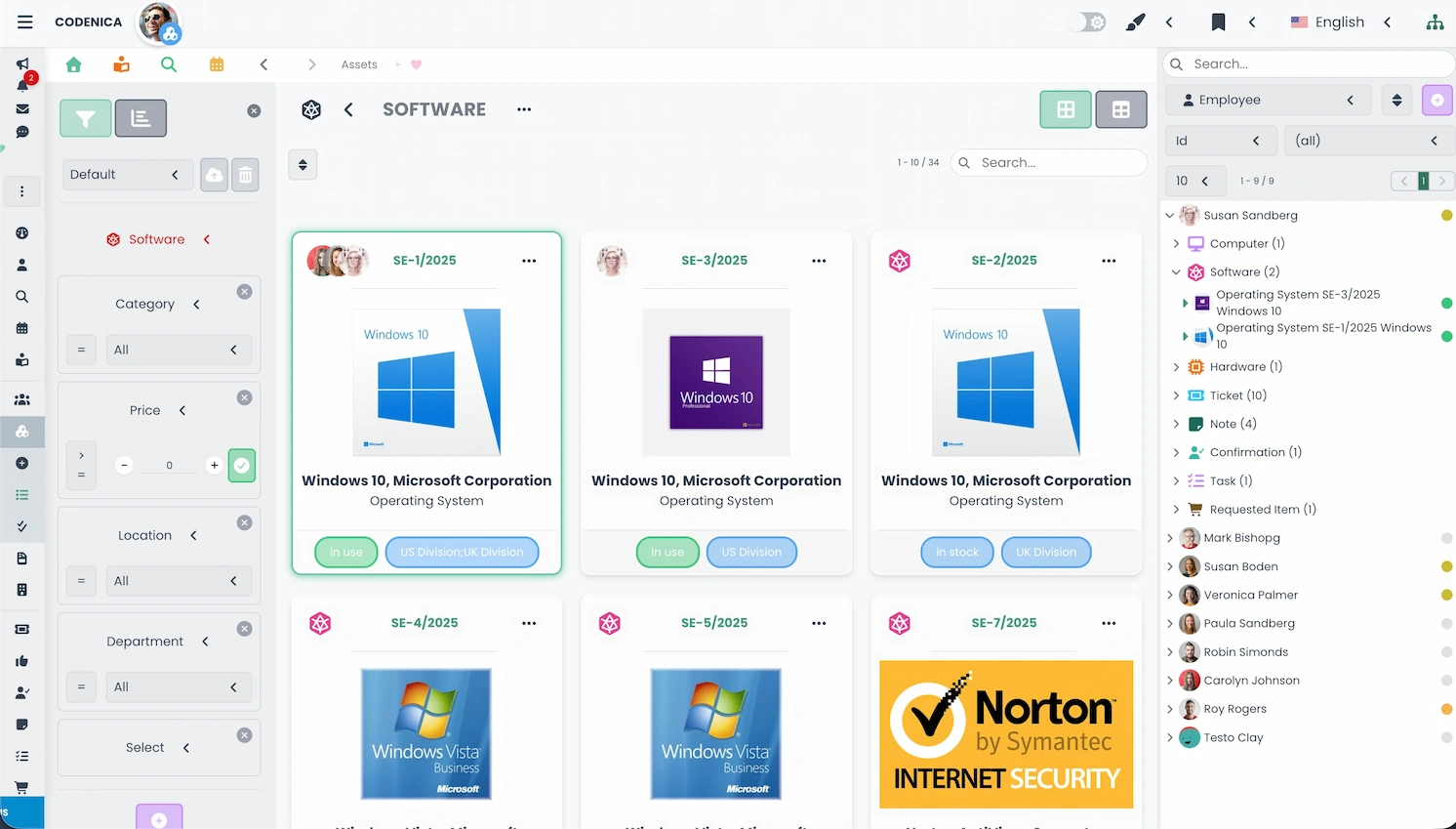
An IT audit and software compliance review are essential components of effective IT asset management. They allow organizations to determine the actual state of their IT infrastructure, verify the legality of installed applications, and ensure alignment with internal security and operational policies. In practice, IT asset management includes both hardware inventory and detailed analysis of installed software. Codenica, combined with the free Codenica PC Audit Scanner, enables a complete, repeatable, and fully documented audit – both internal and external. This process helps build a reliable IT inventory, forming the foundation for effective IT asset management.
Who Can Perform an IT Audit?
An IT audit may be conducted by external companies – ranging from single-person consultancies to large organizations – or internally by administrators within the company. An audit may be performed once or repeated regularly as part of a periodic audit cycle. Codenica supports both internal and external audits without additional licensing costs. External auditors can maintain separate audit records for multiple clients, locations, or branches within a single Codenica license.
Why Is IT Auditing Important?
IT audits play a critical role in assessing the condition and legal compliance of an organization’s IT environment. Companies often choose to perform audits to better control IT assets, reduce licensing costs, and eliminate legal risks associated with unauthorized software. Software analysis reveals whether installed applications match the licenses held, while hardware inventory identifies obsolete, unused, or incorrectly documented devices. Regular IT inventory also helps budget planning, improves security posture, and provides data for long-term IT asset management strategies.
Collecting Software Legality Attributes
Software compliance relies on the so-called “legality attributes” - documents confirming legal ownership of software. These may include invoices, license certificates, COA labels, license books, or other manufacturer-required documentation. Detecting software on a computer does not prove legal ownership-only documentation does. Therefore, collecting and verifying legality attributes is a crucial stage of the software compliance process.
Hardware Inventory and Verification
IT auditing includes not only software analysis but also thorough verification of hardware assets. Codenica PC Audit Scanner enables agentless scanning without installing anything on end-user machines, fully meeting corporate security requirements. During on-site inspection, auditors verify COA labels, seals, device identifiers, and general hardware condition. Combined with scan data, this enables a complete and accurate IT asset inventory.
Computer Scanning Methods
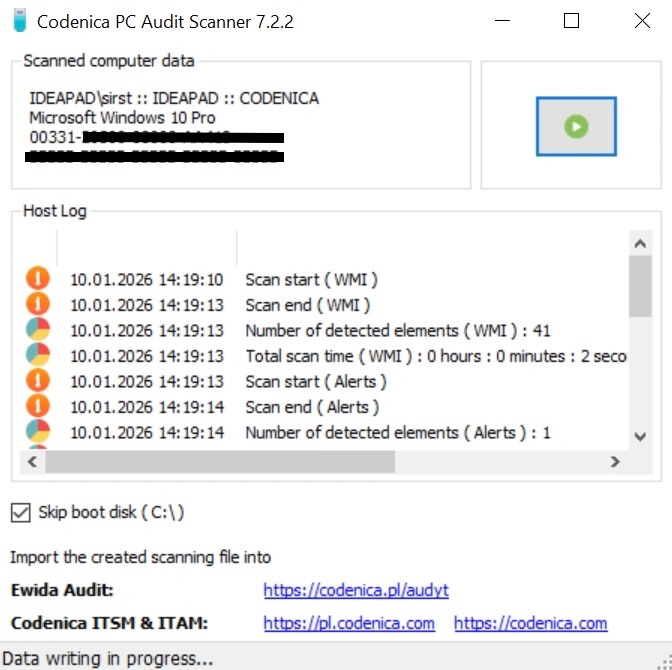
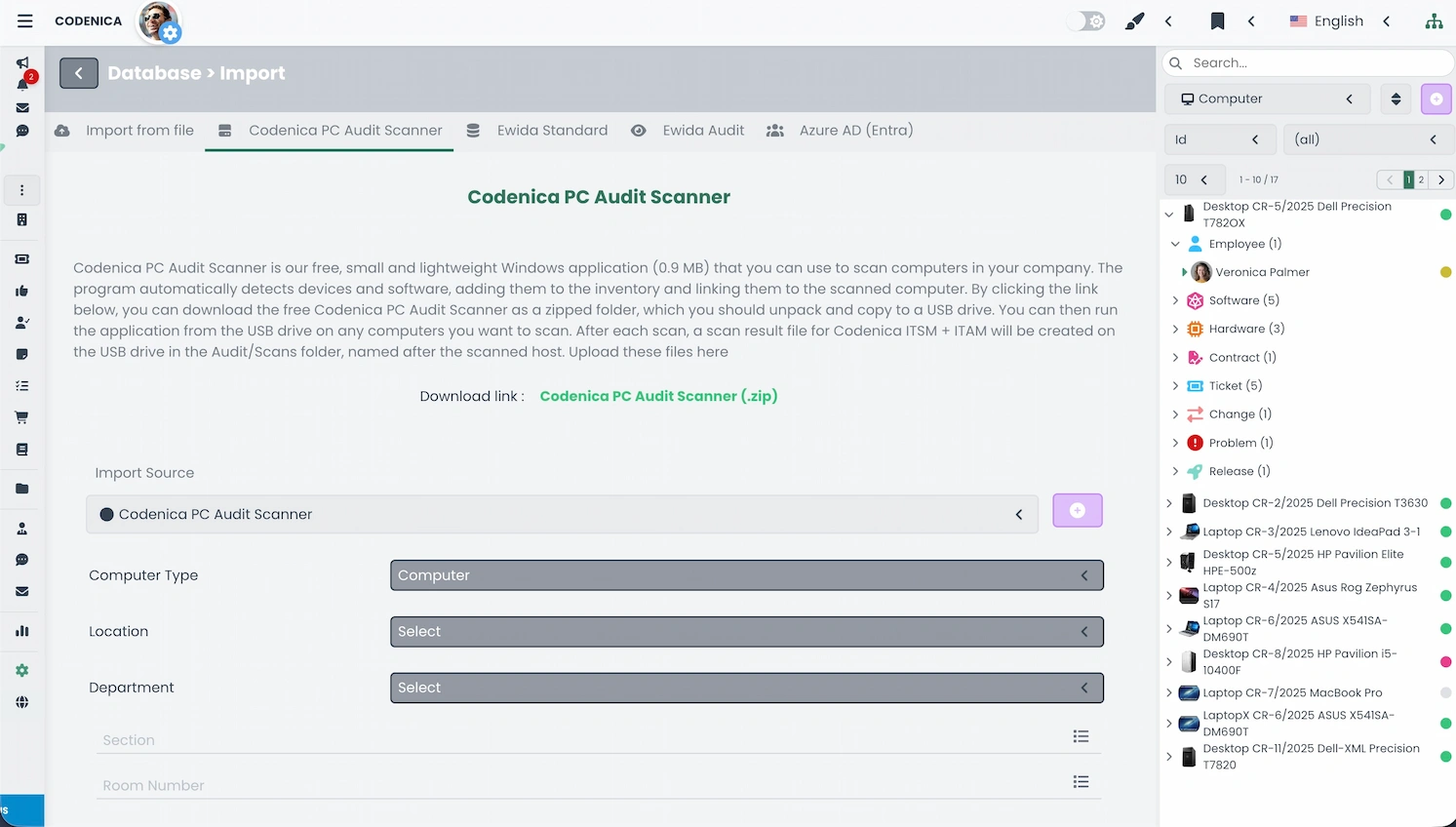
The IT audit process may use several scanning approaches. The most commonly used method-especially in external audits is the Codenica PC Audit Scanner, which runs without installation and can be executed from a USB drive or network scripts. It detects hardware configuration, installed software, and selected license keys. All collected data is processed by Codenica and transformed into structured objects: computers, devices, and software entries.
Ewida Audit (Codenica Audit) - Desktop Application
Codenica is fully compatible with our dedicated desktop application Ewida Audit (also known as Codenica Audit). Ewida Audit allows you to perform detailed workstation scanning and activity monitoring, and all collected audit data can be imported directly into Codenica for further analysis.
Processing Scanned Data in Codenica
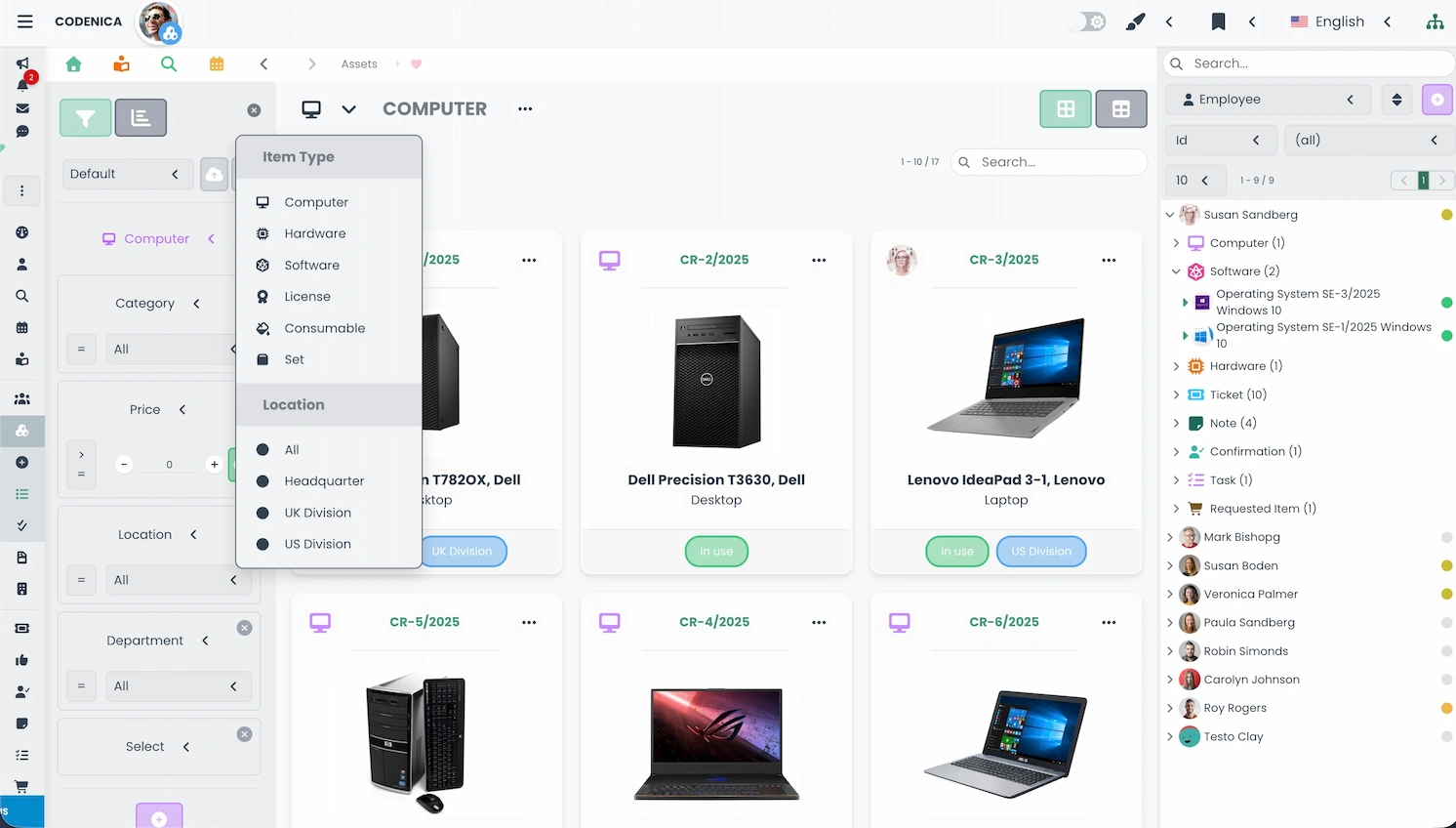
After scanning computers with the free Codenica PC Audit Scanner, the next step is to import the scan files into Codenica. The system automatically recognizes each file and creates corresponding computer objects. Hardware details, detected software, and device information are unified into clean, structured IT inventory data, enabling quick interpretation and reporting.
Assigning Computers to Users
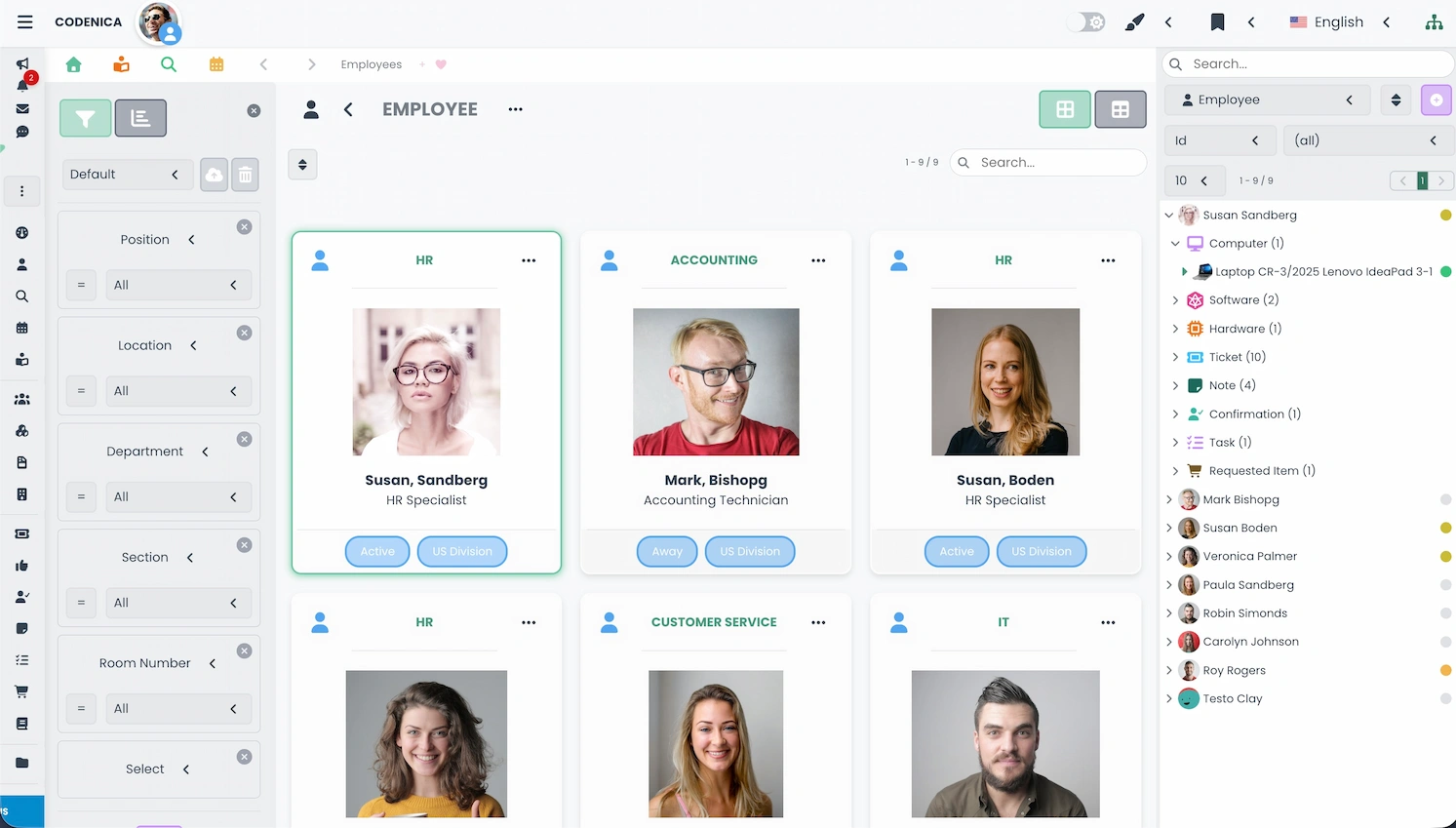
A key stage of IT asset management is assigning computers to employees. Codenica allows importing users from Entra ID (Azure), CSV, XML, JSON, or adding them manually. Linking users to devices enables accurate reporting, software usage analysis, security compliance verification, and clearer responsibility mapping across the organization.
Entering Licenses and Verifying Software Compliance
After loading scan data, organizations must enter the software licenses they legally own. The system does not assume that detected software is licensed – the only confirmation of legality is documentation. Licenses can be added manually or imported using CSV, XML, or JSON files. They can then be linked to computers, installations, and users, enabling full software compliance verification and identifying shortages, surpluses, or risks.
Completing the Audit
The final phase involves preparing documentation, including summaries, identified discrepancies, recommendations, and compliance conclusions. These may include license purchases, restructuring IT assets, employee training, or implementing new ITAM policies. Many organizations schedule routine follow-up audits to maintain ongoing compliance and control over IT assets.