









Did you like our software?
Create your free company account today
Ewida Standard is classic, established Windows software for computer hardware and software inventory in a company. It is installed locally and supports detailed records for computers, devices, licenses, purchase documents, warranties, and license dates. The program supports IT inventory processes and multi-user operation with an MS SQL database. Companies have used it for more than 21 years to manage IT inventory on their own computers with a perpetual license and no subscription fees. The Codenica application is the modern successor to Ewida Standard. It can run in Microsoft Azure Cloud or be installed at your company as an On-Premise version, with all data stored there.

Computer hardware and software inventory is one of the basic elements of IT infrastructure management in a company. Ewida Standard enables equipment records, IT asset management, and regular IT inventory audits. The application also supports GDPR-related processes and personal data protection and allows companies to keep computer hardware repair records.
Ewida Standard is classic Windows software for computer hardware and software inventory. It runs locally and uses an MS SQL database. The IT inventory software uses a perpetual license, which means there are no annual fees. Ewida Standard integrates with Ewida Audit software and the Codenica system to support structured IT asset management.
Ewida Standard is comprehensive IT inventory software for detailed company equipment records, consumables, license and warranty dates, and GDPR-related processes. With multi-user operation and integration with Ewida Audit and the Codenica system, it can support both small companies and larger organizations.
Ewida Standard is a comprehensive IT inventory management software that enables detailed tracking of company equipment, management of consumables, monitoring of license and warranty expiration dates, and compliance with GDPR requirements.
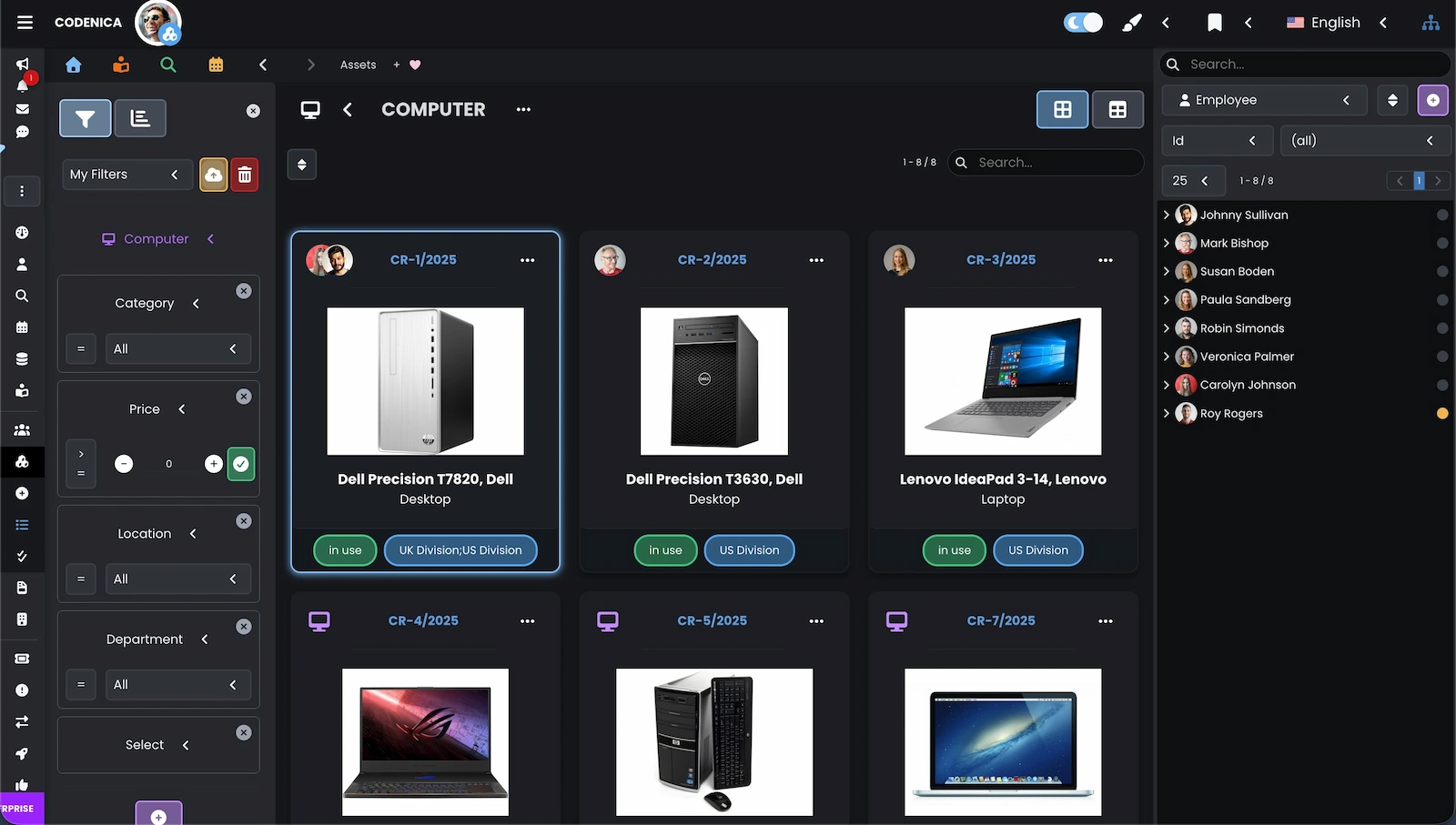
Integrating Ewida Standard with the Codenica application allows local hardware, software, and license records to be transferred to a modern application available through a browser. Data can be transferred either to an On-Premise installation at the company or to the Cloud version running in Microsoft Azure.
After data is transferred from Ewida Standard, the computer hardware inventory becomes part of a modern system for IT infrastructure management and ticket handling.
Integration of the Ewida Standard IT inventory software with the Ewida Audit computer auditing and monitoring software enables automatic completion of the IT inventory based on the results of computer and software audits. As a result, the IT inventory remains up to date and reliable, while all data stays fully controlled locally.
After connecting Ewida Standard with Ewida Audit, the results of computer and software audits can be automatically transferred into the IT inventory. This ensures that the hardware and software database is continuously updated without the need for manual data entry.
The computer hardware and equipment inventory in Ewida Standard is based on an object-oriented structure. Each element in the inventory software is relationally connected with others, which makes the IT inventory clear, consistent, and easy to manage. Sets group devices and software, and the entire set can be assigned to employees or moved between users with a single action. The Ewida Standard IT inventory software also supports consumables, purchase documents, warranties, and licenses in CAL, OEM, and standard license models.
The IT inventory in Ewida Standard is based on interconnected objects that create a consistent structure for managing a company’s IT assets.
Traditional IT inventory includes tracking computer hardware, software, licenses, computers, and consumables. Thanks to its object-based structure, Ewida Standard inventory software also allows tracking phones, tools, and any type of company equipment. The Set object in the inventory application can represent any grouping of devices and software.
The Set object in Ewida Standard IT inventory software allows grouping any devices and software into logical equipment sets within a company.
Therefore, a set in the computer hardware inventory can represent anything that serves as a container for other devices or software. Thanks to this approach, company equipment inventory is not limited by rigid structures.
Creating sets allows assigning or removing an entire group of devices, software, and licenses to or from an employee with a single action. This significantly simplifies and accelerates daily equipment tracking and inventory processes within a company.
The Ewida Standard IT inventory software - computer hardware inventory - is designed for network operation in multi-user mode. In the database settings, simply select any MS SQL server (including free MS SQL Express editions), create a database, and enable network mode to start secure work for multiple users within a single IT inventory database.
The Ewida Standard IT inventory software provides a network operation mode that allows multiple users to work simultaneously on one database without the risk of record corruption. The application instance is installed locally on each workstation, while the MS SQL database is located on the server.
Each workstation where Ewida Standard operates in network mode must have a separate user license activated.
The Ewida Standard computer hardware inventory software also allows configuration of user permissions. This makes it possible to create personalized access rights to the IT inventory and manage logins and passwords for users working in network mode.
Managing IT assets in a company requires monitoring warranty dates for devices, software, and expiring licenses. Ewida Standard IT inventory software includes a built-in Scheduler module that allows tracking all important dates related to IT assets and automatically informs users about upcoming deadlines.
The Ewida Standard inventory software includes a dedicated Scheduler window docked at the bottom of the application. The scheduler automatically loads and updates all important dates related to IT asset management.
The scheduler also contains built-in filters that help quickly locate important events. The software allows viewing deadlines across different time ranges such as the current week, previous week, current month, or previous month.
Company equipment inventory software also enables tracking consumables, which is an important element of every computer hardware and software inventory in a company. Ewida Standard IT inventory software allows analyzing the history of consumables usage across any time period, such as a month, quarter, year, or a custom date range.
Analyzing the history of consumables usage allows better management of IT assets within a company and helps optimize purchases of materials used in everyday operations.
Thanks to the object-based inventory structure, Ewida Standard allows creating custom categories of consumables. Consumables can be assigned to any objects within the IT inventory, such as users, sets, or devices.
As a result, managing IT resources related to consumables remains fully flexible and is not limited by rigid data structures.
The Ewida Standard computer hardware inventory software includes a modernization cost tracking function. This feature allows recording hardware upgrades, software updates, and license changes, ensuring that all activities related to expanding IT infrastructure can be fully documented within the inventory.
The modernization tracking function works particularly well for recording costs related to software license updates and technical support extensions. The IT inventory system also enables tracking the costs of upgrading devices and computers within a company.
Ewida Standard inventory software offers an advanced modernization tracking mechanism that allows recording completed activities together with detailed descriptions.
Computer hardware inventory and IT inventory records may include information about costs, related purchase documents, and changes to validity dates when licenses are updated.
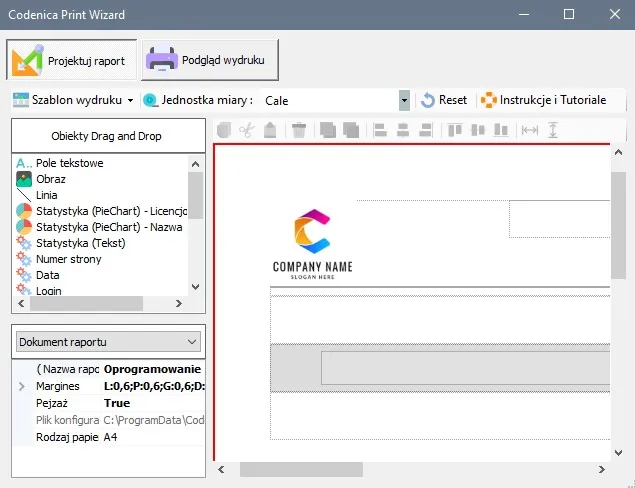
The system also allows creating and printing upgrade reports using custom document templates adapted to company requirements.
The Ewida Standard inventory software enables comprehensive tracking of IT assets and company equipment. Computer hardware inventory can be managed manually by one or many users working in a network environment with defined database access permissions.
Part of the IT inventory process can be automated through integration with the Ewida Audit computer auditing application. The software can detect elements of the IT infrastructure within the company network and automatically update the inventory in Ewida Standard.
To automate the inventory process of computers, devices, and software, it is necessary to use the data export from the Ewida Audit application. Ewida Audit is a tool designed for remote computer auditing and monitoring of IT infrastructure in a company.
The Ewida Standard software - computer hardware inventory - also supports GDPR management in companies and organizations, integrated with comprehensive IT inventory processes. The system allows maintaining registers of personal data collections and controlling user access to protected information in accordance with GDPR regulations.
The GDPR module in Ewida Standard enables maintaining complete documentation related to personal data processing within a company or organization.
The system allows registering users who have access to personal data and defining their permissions according to categories defined by GDPR regulations. The software also enables maintaining a register of individuals whose personal data is included in data collections, along with information about consents and authorizations for data processing.
Did you like our software?
Create your free company account today