
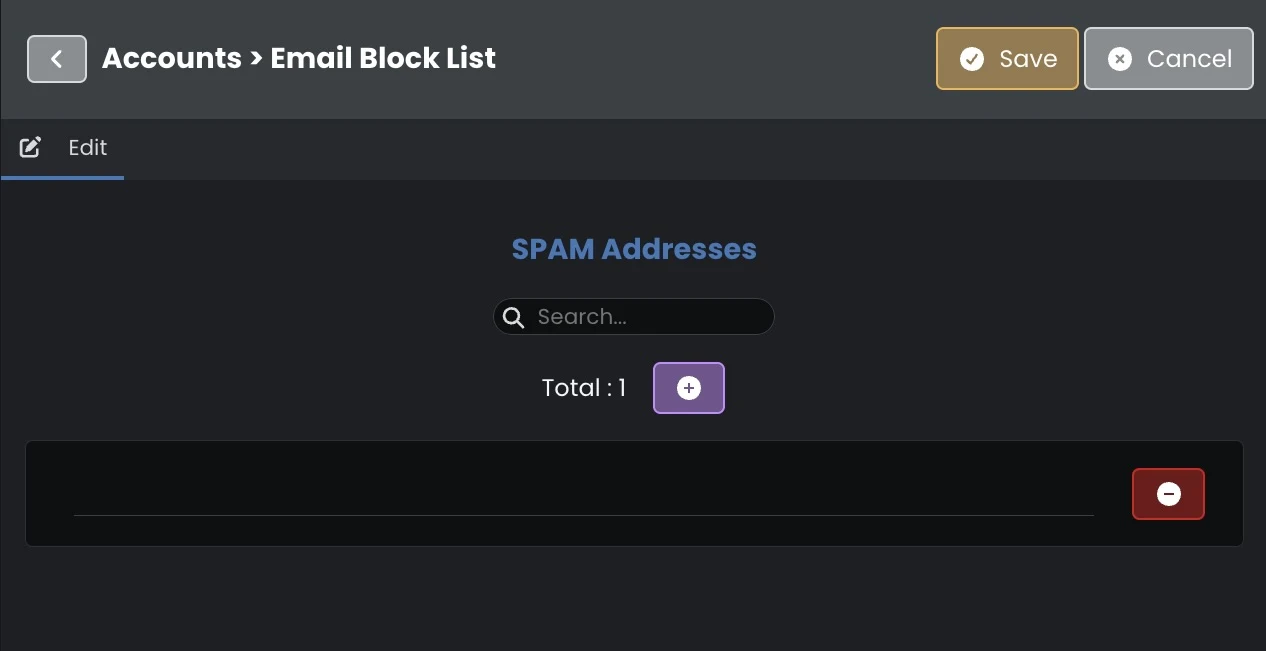
If unwanted emails keep coming from the same address, add it to SPAM Addresses. In Cloud and On-Premise, Email to Ticket skips messages from listed senders before creating a ticket or appending a reply.
How to add a sender
Open Settings → Accounts → SPAM Addresses. Click +, enter the full sender address and click Save. Add one address per row. Matching ignores letter case. List each address separately if several senders use the same domain.
How to remove a sender
Find the address using Search, click the red minus button and save. Future messages can be processed according to your incoming mail settings. Removing an entry does not recover previously skipped messages.