Sole Proprietors and Small Teams
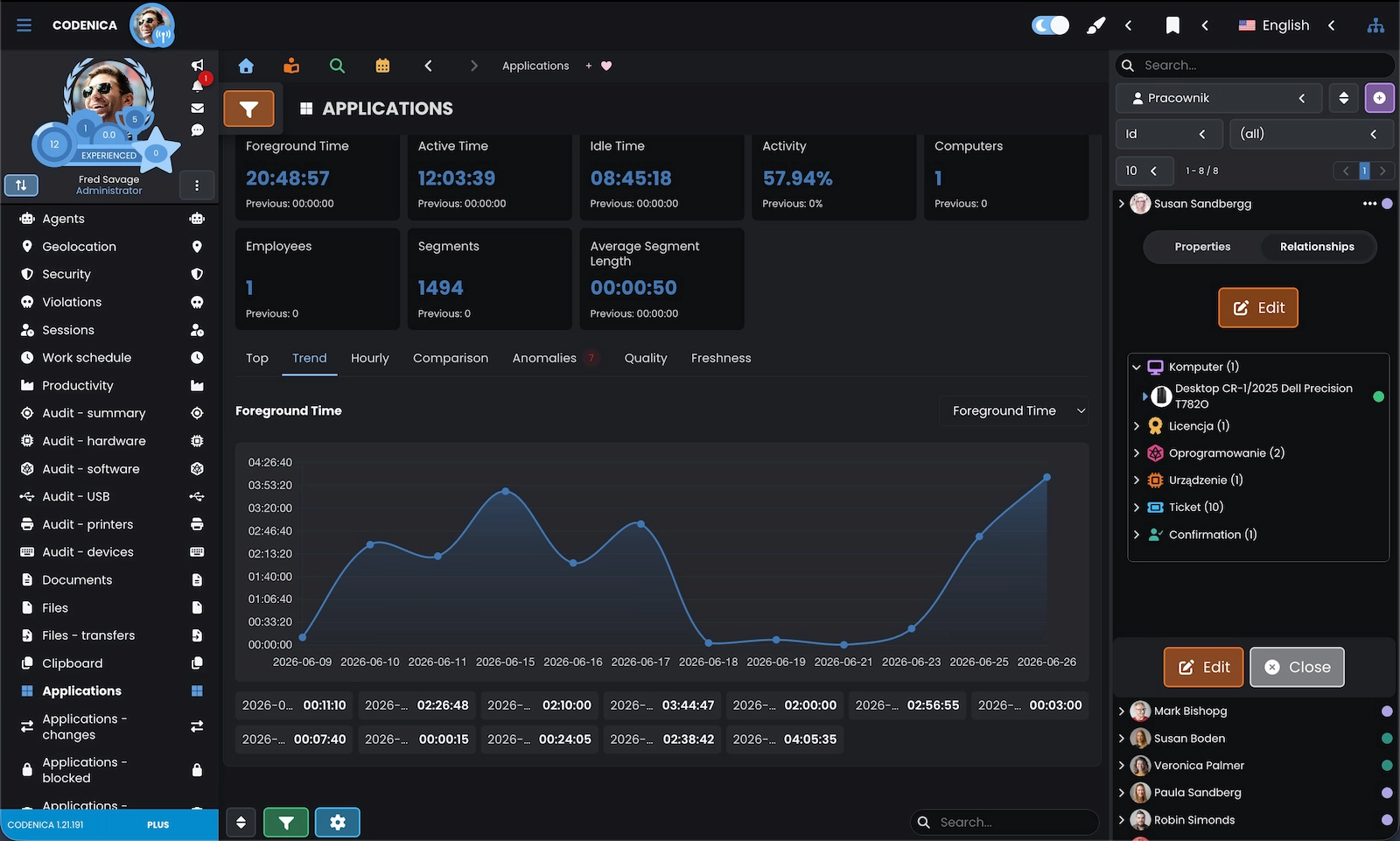
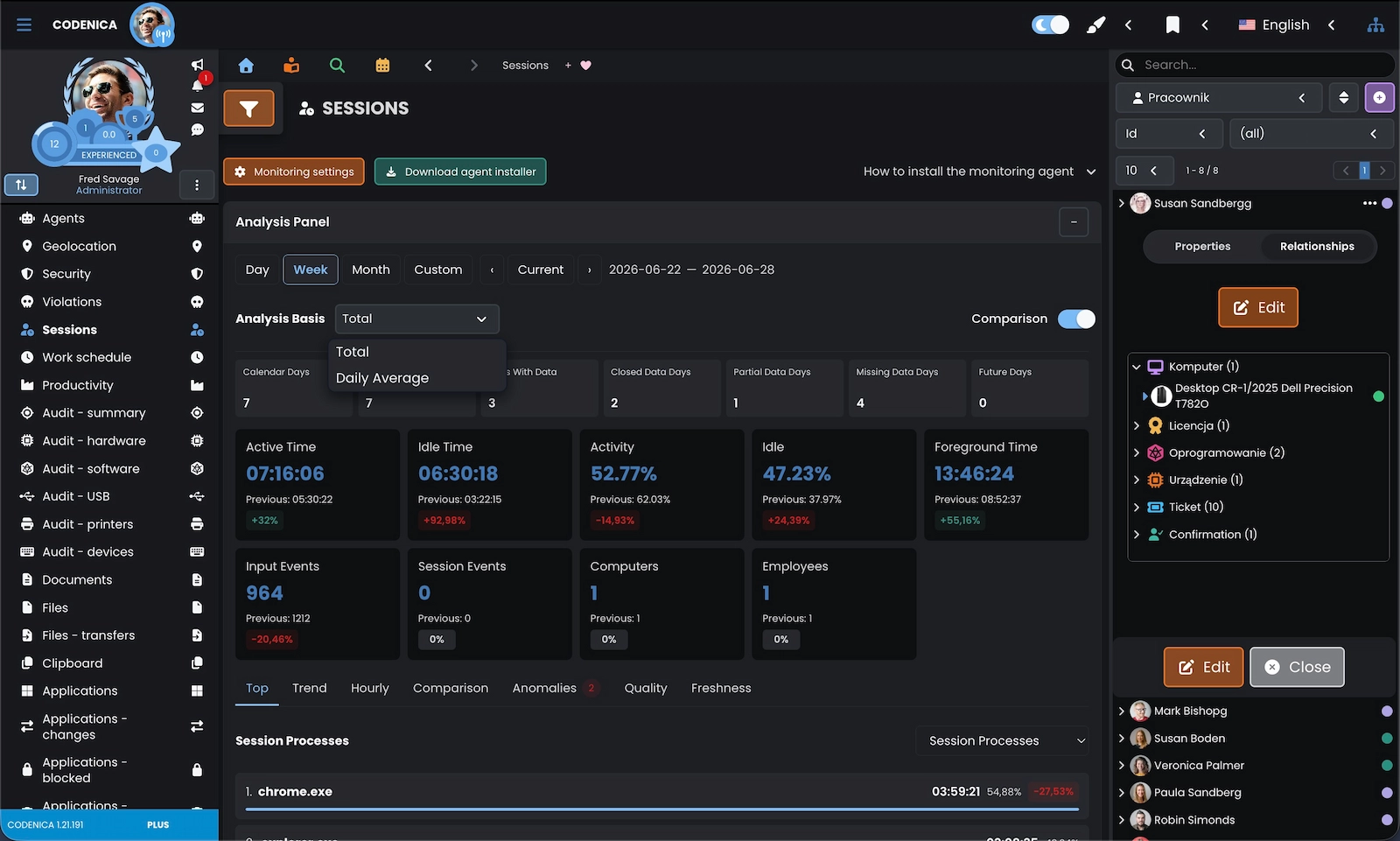
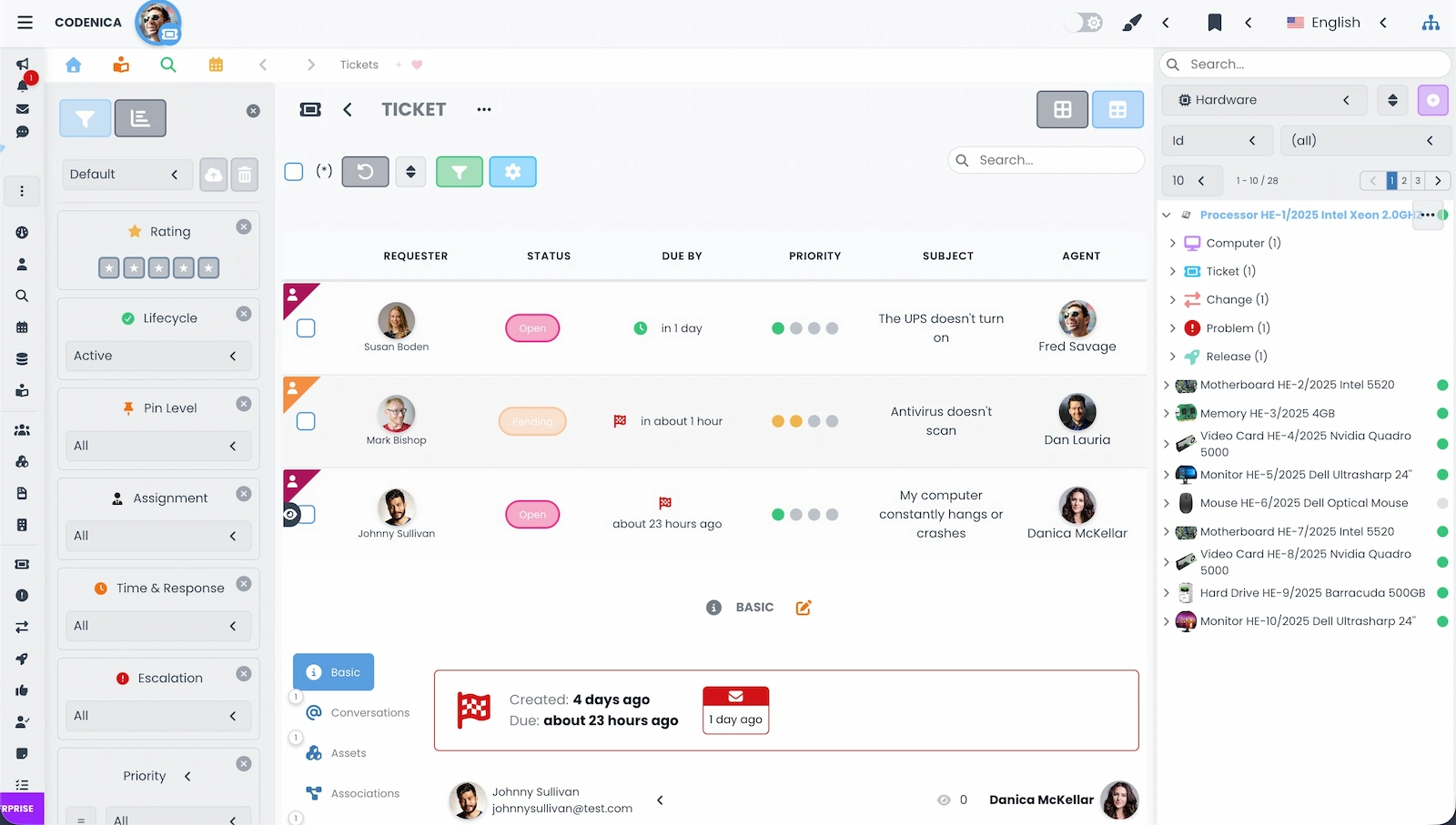
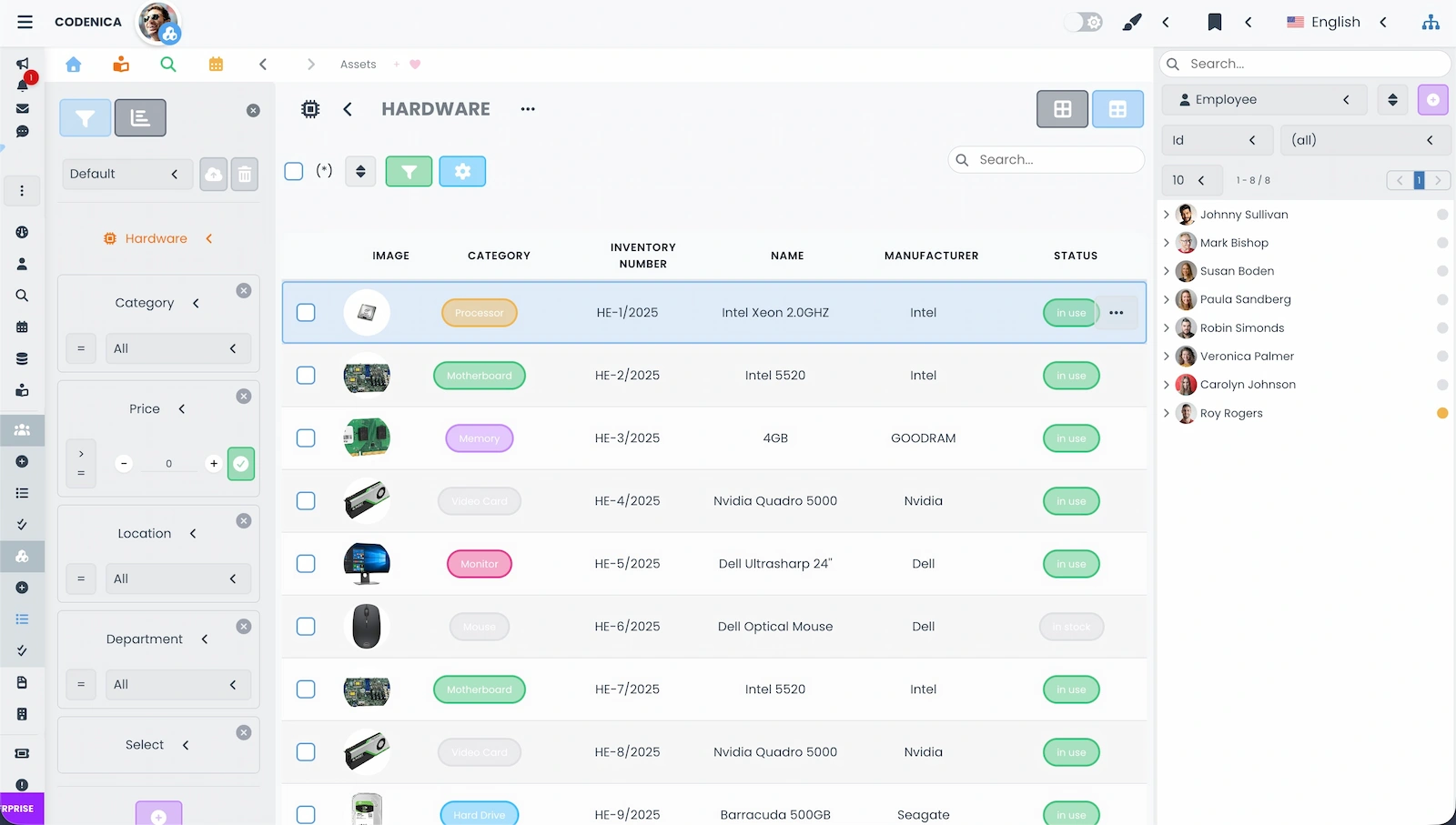
In a small business, one person often looks after hardware, software, documents, data access, employee questions, and customer communication. Codenica brings this information together in one system, without separate spreadsheets for equipment, computers, and tickets. You can keep records of computers, phones, printers, vehicles, tools, and other business assets, assign them to specific people, and keep documents with each item. When part of the work is done on computers, the system can also provide information about workstation activity, applications in use, working time, and events relevant to security. The company decides the monitoring scope based on its purpose, internal rules, and applicable law.
- Hardware, equipment, license, and document records.
- Assets assigned to employees, locations, and clients.
- Periodic audits of computers and installed software.
- Computer monitoring when the company needs current information about its workstations.
- Ticket handling and communication with employees or clients.
Supporting multiple companies and clients in one system
Small and Medium-Sized Businesses Across Industries
The owner of a workshop, office, service company, shop, or manufacturing business does not have to think of Codenica as a tool reserved for an IT department. It can help keep an inventory of business equipment, assign responsibility for devices and documents, receive employee tickets, and understand how company computers are used. Monitoring can cover active time, applications, websites, USB devices, and selected security signals. Audits provide up-to-date information about computer configurations and software instead of leaving the company dependent on manual lists. Where monitoring involves employees, its purpose and scope should be defined clearly and communicated in advance.
- Inventory of hardware, devices, software, licenses, and documents.
- Computer and workstation activity monitoring in line with company policy.
- Visibility into software changes and signals relevant to data security.
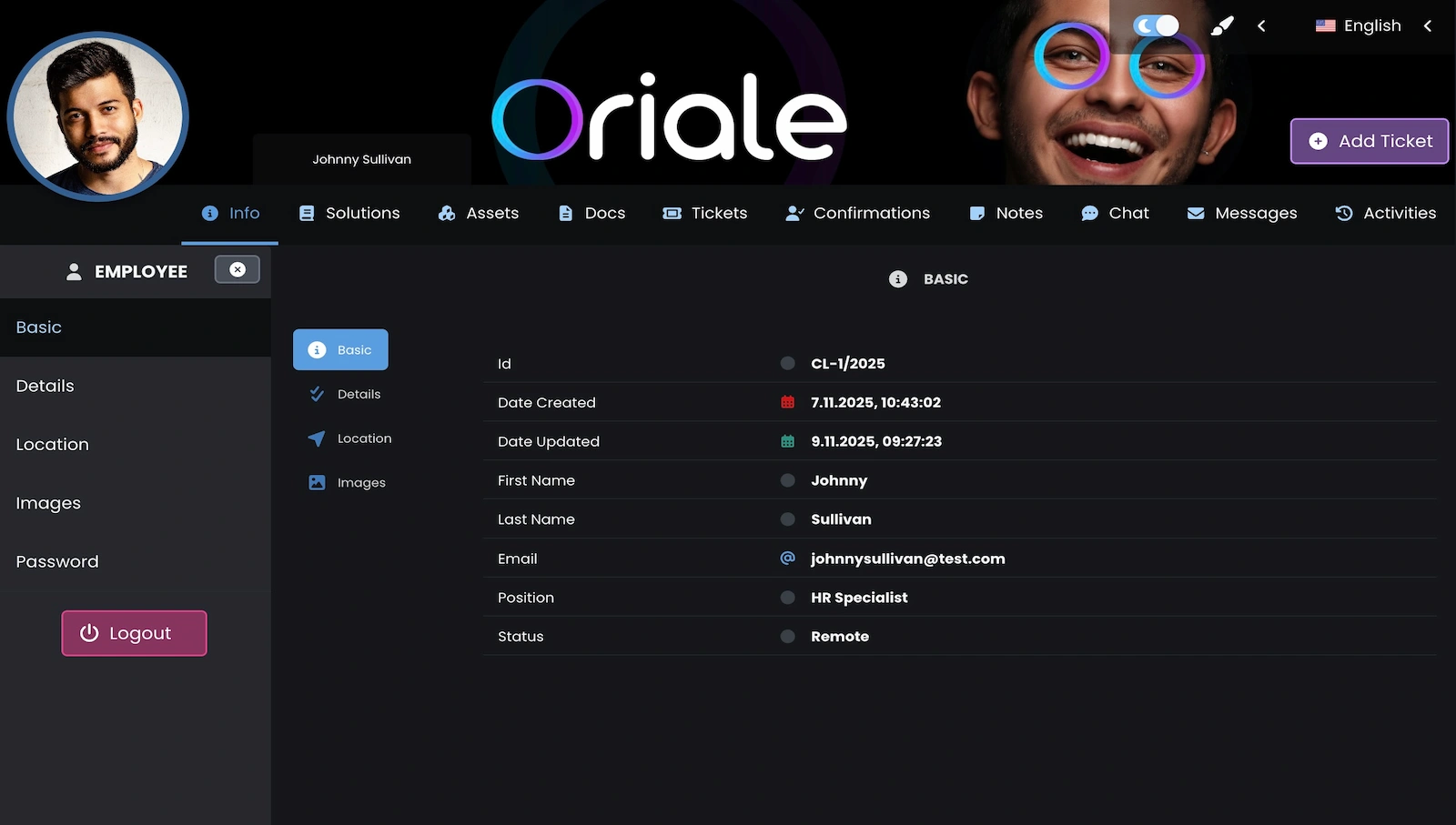
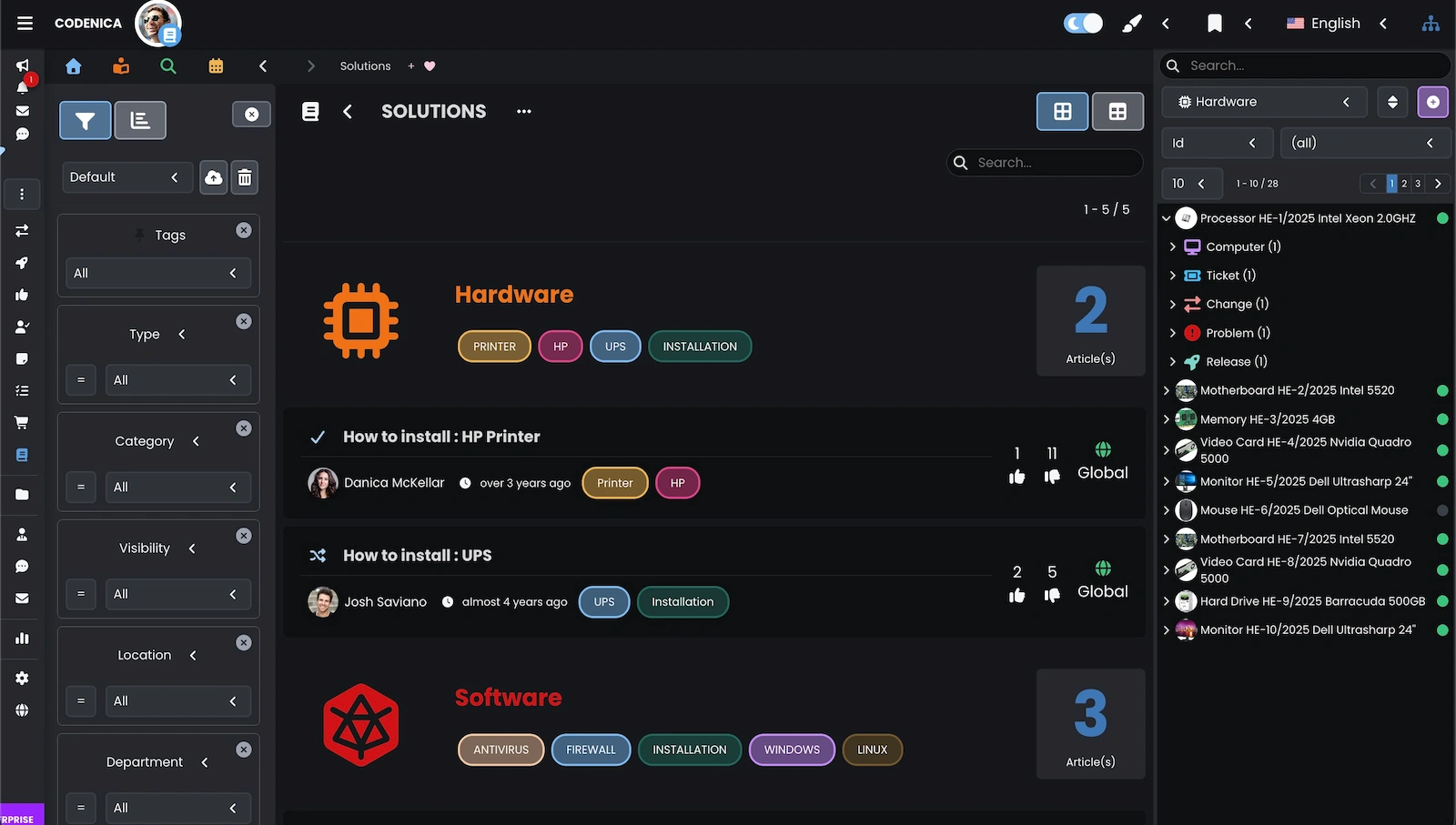
- Ticketing, customer portal, and knowledge base in one environment.
- Cloud or On-Premise, depending on how data should be stored and what the company can support.
Large Businesses, Branches, and Teams Working to Shared Standards
In a larger organization, the challenge is not only the number of computers but also information spread across branches, departments, and teams. Codenica brings together data about assets, users, locations, tickets, and computers, while roles and access permissions help fit the system to the company's structure. Monitoring can be aligned with company policies, and audits show changes in hardware and software. This gives people responsible for security, process owners, and support teams the context they need to investigate an incident, handle a ticket, and plan the next steps.
- Data separated by company, branch, department, team, and location.
- Permissions aligned with user responsibilities.
- Computer monitoring, hardware and software audits, and license control.
- Tickets linked to assets, documents, employees, and locations.
- A choice of Cloud or a local On-Premise installation.
One System, Different Ways of Working
Codenica combines asset records and inventory, ticket handling, service desk processes, communication with users, computer monitoring, and hardware and software audits. A company can start with equipment records and ticketing, then add monitoring, a knowledge base, a customer portal, or more advanced processes. The same system can support a small office, service business, multi-branch organization, or team serving multiple clients.
Codenica Cloud runs online in Microsoft Azure. It suits a company that wants to get started without buying or maintaining its own application server and database. The company does not need to build its own infrastructure, ensure that infrastructure is available, or manage the server environment. The Cloud edition is usually easier to use and more affordable to get started because the company avoids the cost of buying and maintaining its own server environment.
Codenica On-Premise is installed locally in the company’s infrastructure. Choose it when you want to keep data 100% within your own environment and have full control over the server, database, files, and agent communication. With the right configuration, the installation can work without contacting Codenica servers and without Internet access. This independence also places full responsibility on the company: it must provide the server, access protection, updates, service availability, backups, and data recovery. On-Premise offers more control over the infrastructure, but it requires your own administration and ongoing maintenance of the whole environment.