
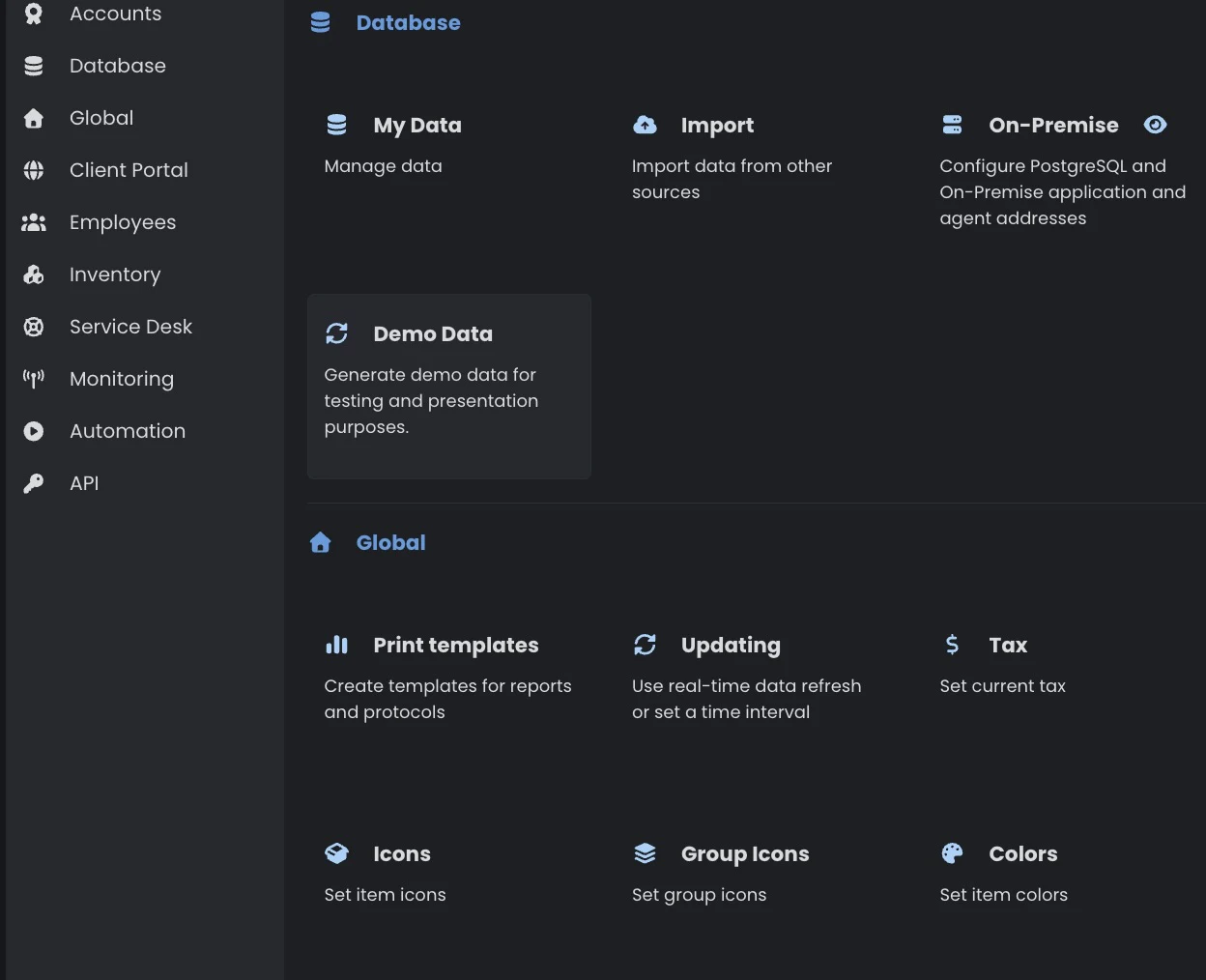
Load demo data to practise using Codenica or prepare a presentation. The dataset includes sample employees, assets, tickets and monitoring data.
This option is available to administrators in Codenica Cloud and On-Premise. Go to Settings → Database → Demo Data.
What happens to existing data
Loading demo data deletes your organization's current operational data and replaces it with a sample dataset. Existing user accounts and license settings are preserved. Use a test organization for practice. If you need to keep your existing data, download a backup through Settings → Database → My Data before continuing.
How to load demo data
- Choose the language for the sample data. English, Polish, German, French and Spanish are available. Your selection applies to the contents of the dataset.
- Click Load Demo Data and confirm.
- Wait for the completion message. Open Inventory or Service Desk to view sample records.
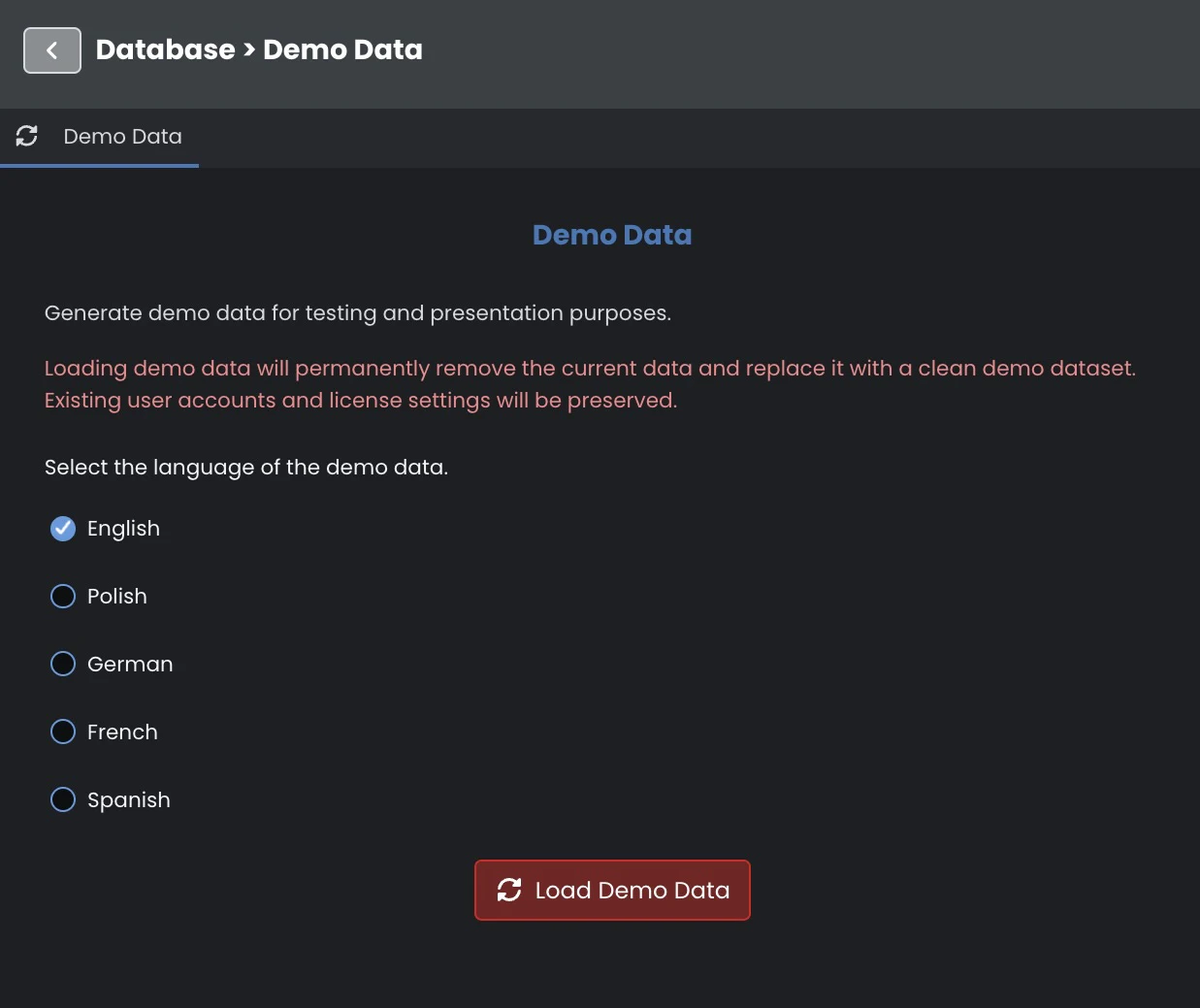
On-Premise loads the dataset without demo attachments. In Cloud, sample attachments appear when they are available in file storage.