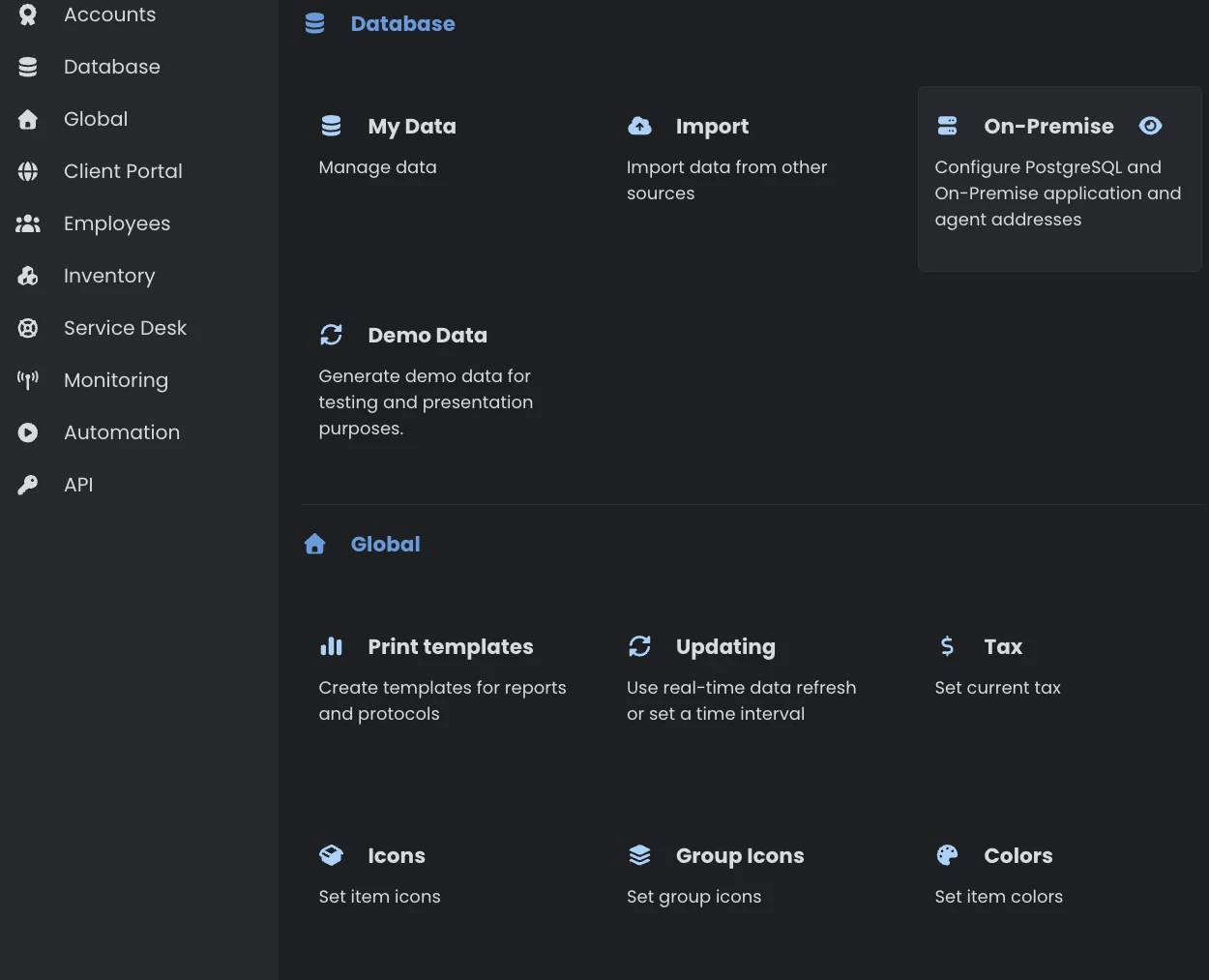
Under Settings → Database → On-Premise, an administrator can change the PostgreSQL server, application address and agent communication address.
PostgreSQL server
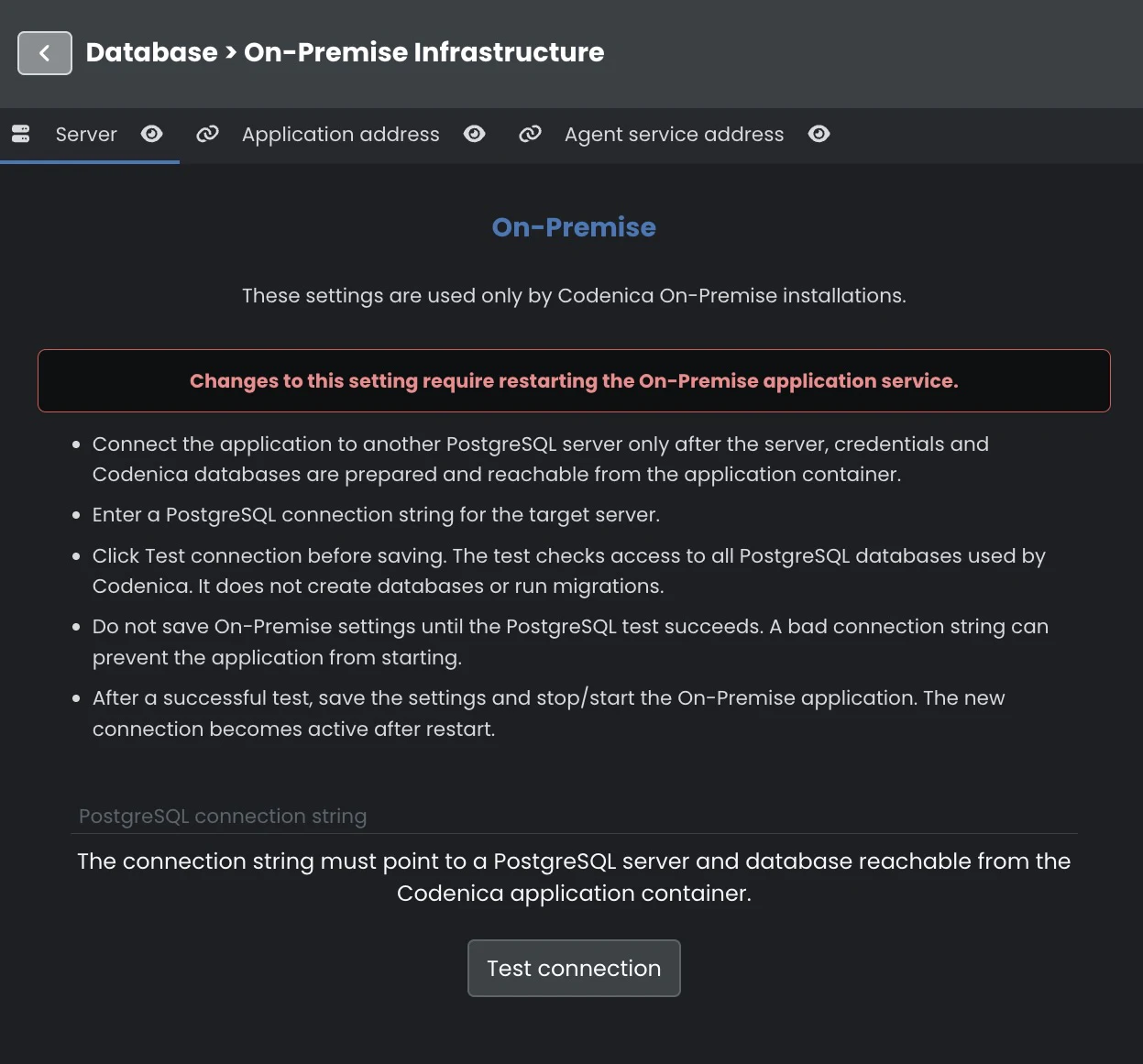
Prepare the target server, credentials and the databases Codenica uses. The server must be reachable from the application container. When moving an existing installation, prepare its data on the target server as well. Changing the connection does not move the data.
- Open Server and fill in PostgreSQL connection string.
- Click Test connection. Codenica checks authentication and runs a simple query in each target database:
codenica-system,codenica-communication,codenica-hangfireandcodenica-agents. The test does not create databases or run migrations. - After a successful test, save the settings. Stop and restart Codenica On-Premise to activate the new connection.
Application address
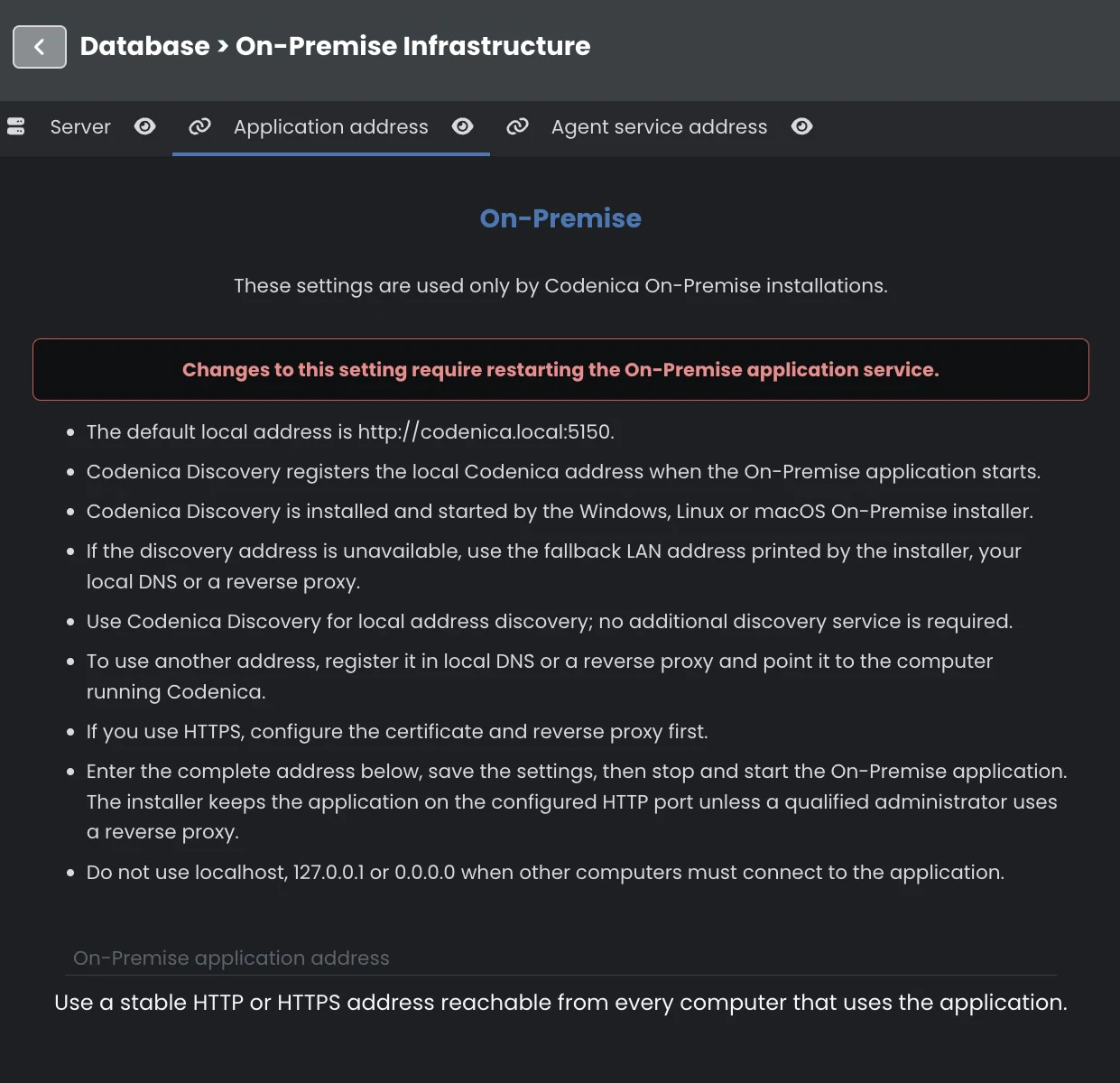
The default local address is http://codenica.local:5150. The installer starts Codenica Discovery, which makes the application's local name available. If that name is unavailable, use the fallback LAN address shown by the installer or your own DNS name.
To use a custom address, first configure DNS or a reverse proxy to point to the computer running Codenica. For HTTPS, prepare the certificate and reverse proxy. In Application address, enter the full HTTP or HTTPS address, save the settings and restart the application. Check the address from another computer on the network.
Agent communication address
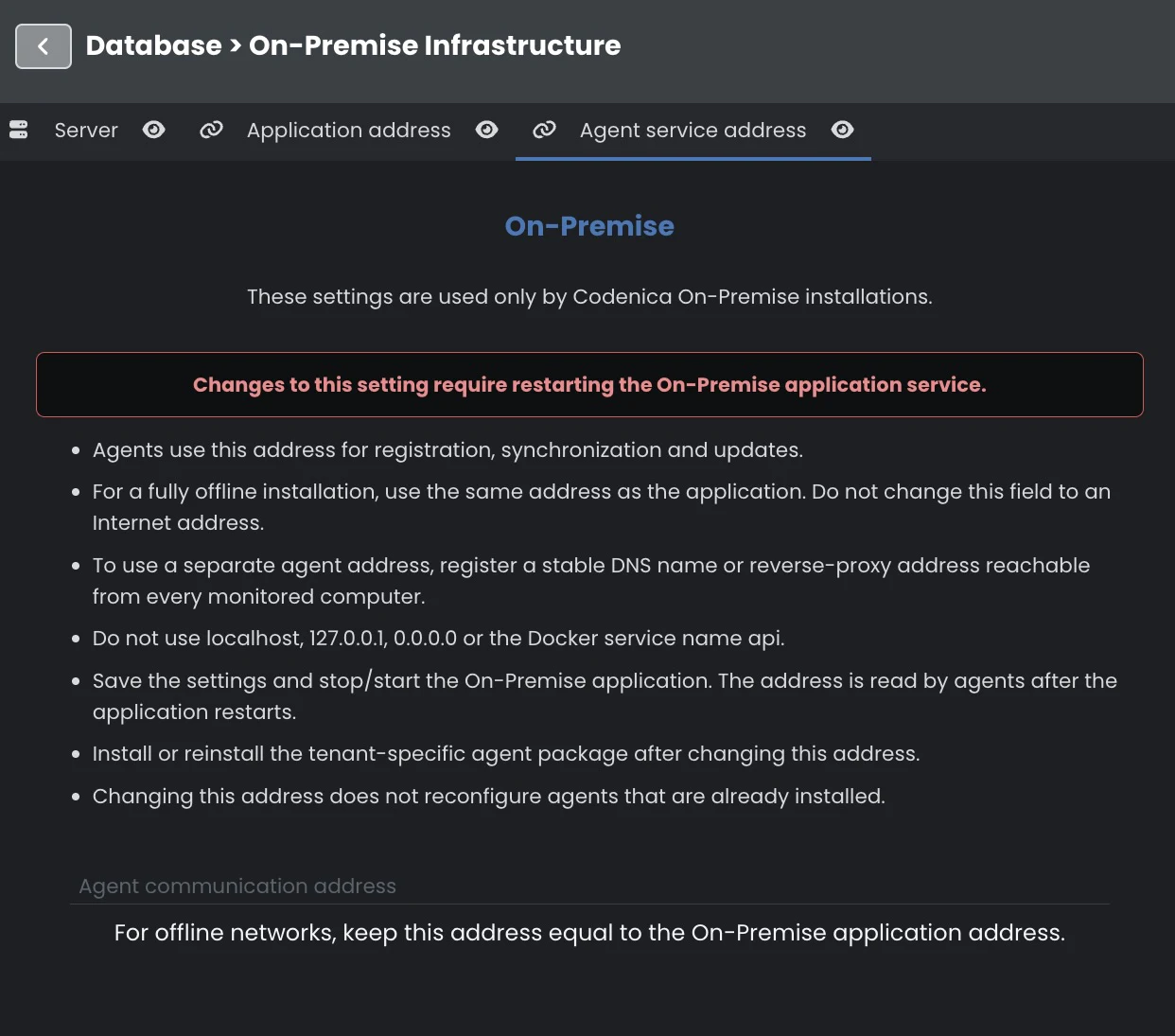
Agents use this address to register, synchronize and update. On an offline network, use the same address as the application. If agents need a separate address, use a stable DNS name or reverse proxy address reachable from the monitored computers.
On the Agent service address tab, fill in Agent communication address, save the settings and restart the application. Then install the agent package prepared for your organization. Saving the address does not change the configuration of agents that are already installed.