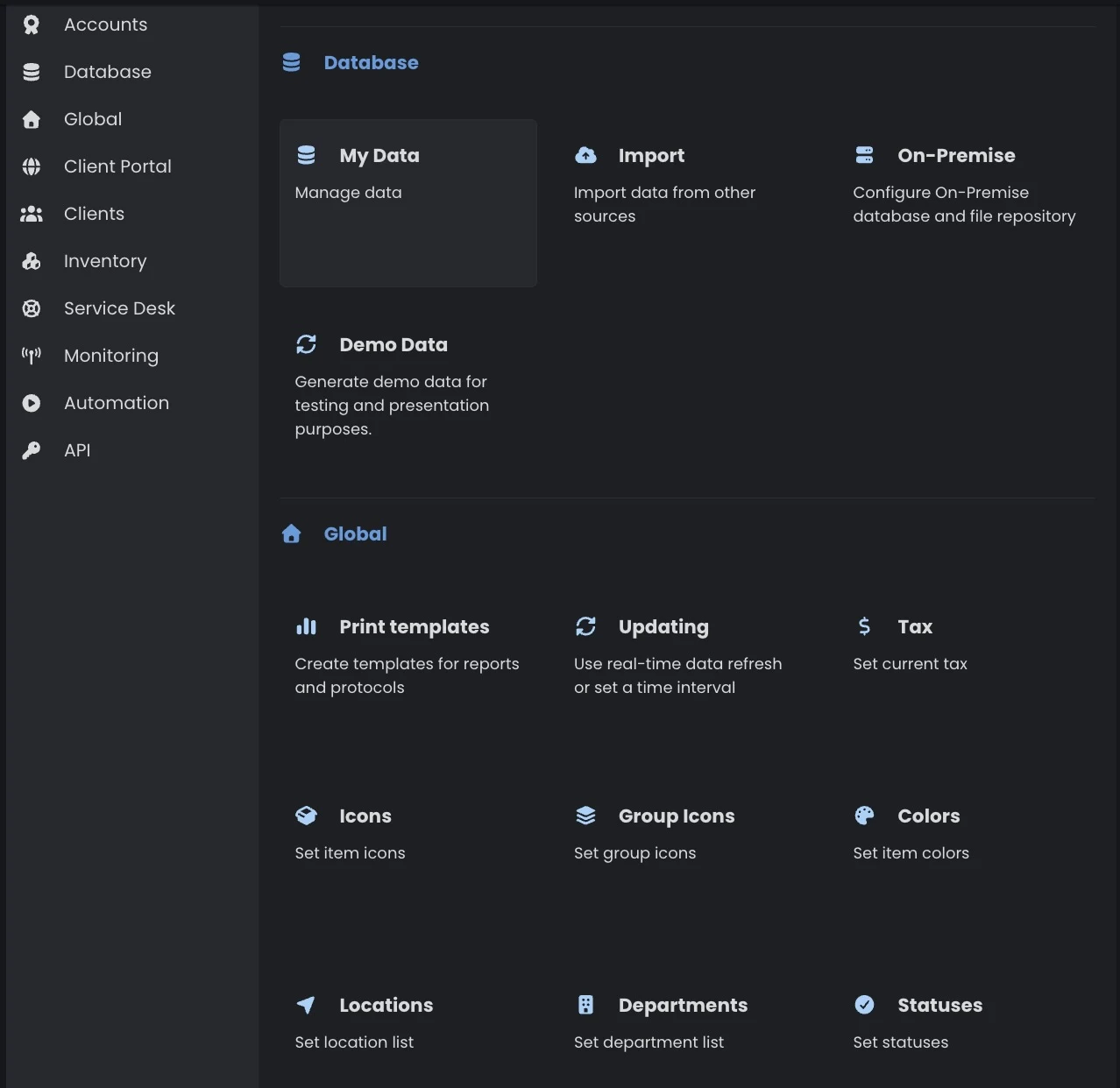
In Settings → Database → My Data, administrators can manage organization data in Codenica Cloud and On-Premise.
How to download a backup
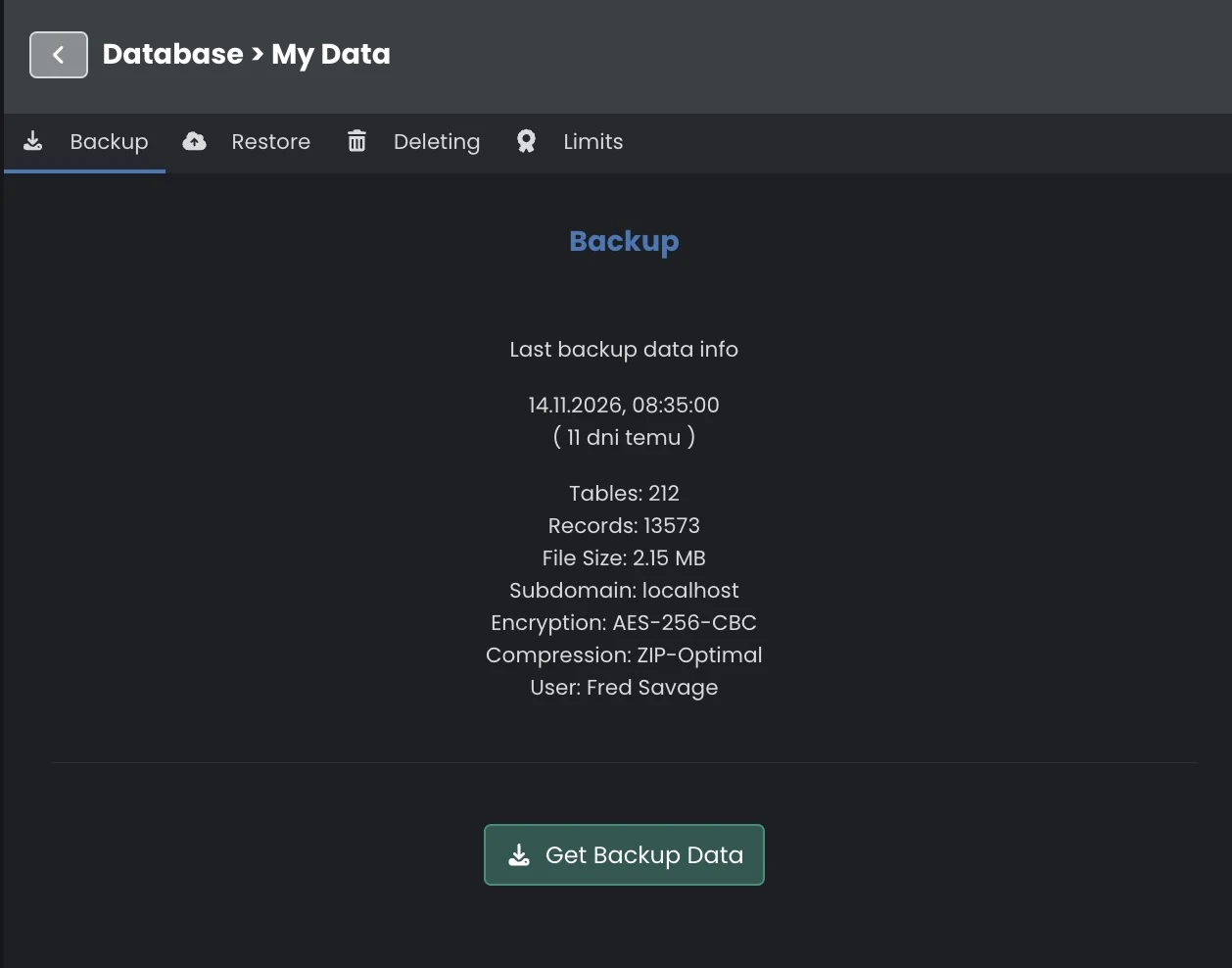
Open Backup and click Get Backup Data to create and download a new encrypted .bac file. Check the date and size under the latest backup details and keep the downloaded file for future restores. Back up attachments and other files in the repository separately.
How to restore data
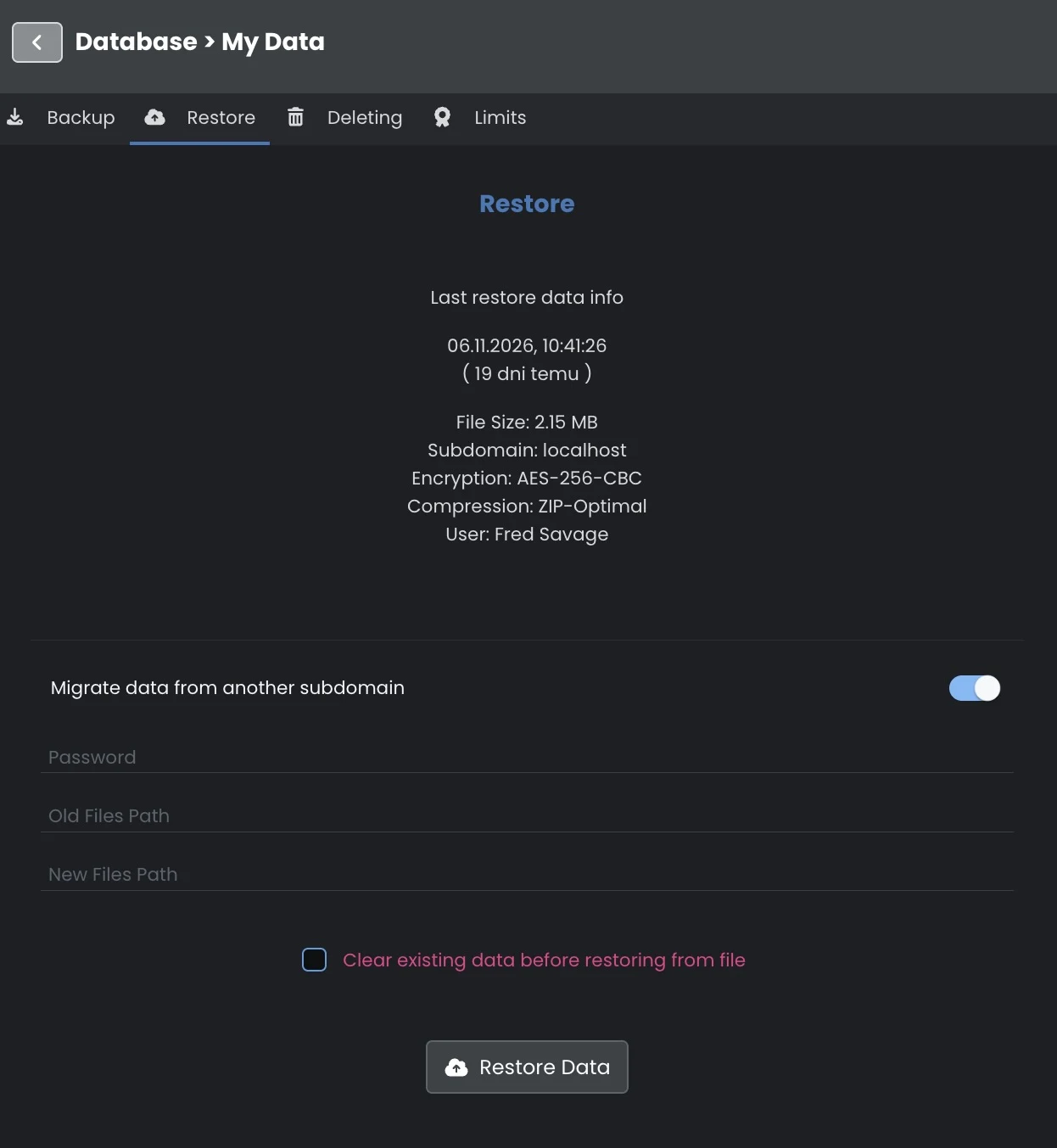
Open Restore. Prepare a .bac file. If you select Clear existing data before restoring from file, Codenica clears the tables covered by that option before restoring. With the box unchecked, Codenica adds missing records and may update existing ones. Click Restore Data, select the file and wait for the operation to finish. Check the restore details and open a few restored records. For a backup from another subdomain, enable migration and enter the backup password. If the repository location has changed, enter the old and new file paths to update references. Move the files separately.
How to delete selected data
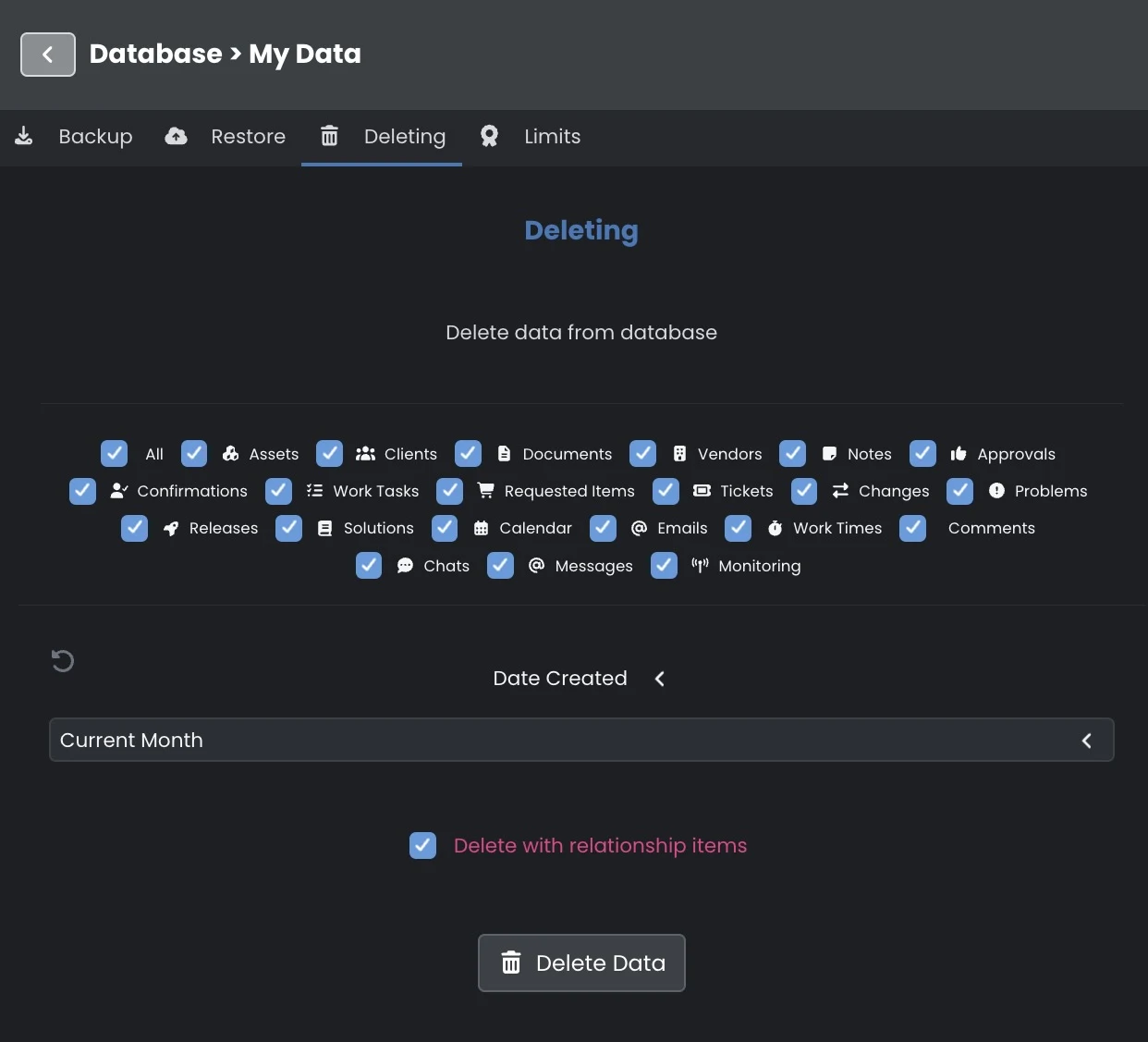
In Deleting, select the datasets you want to clear. To restrict deletion to a period, choose the creation or update date and set a range. For example, Date Created and Current Month select tickets created this month. A filter with no matches leaves records in place. With no filter, deletion applies to all records in the selected datasets. Delete with relationship items can extend deletion to related records, depending on the dataset. Download a fresh backup if you may need the data later. Click Delete Data and confirm.
Where to check limits and usage
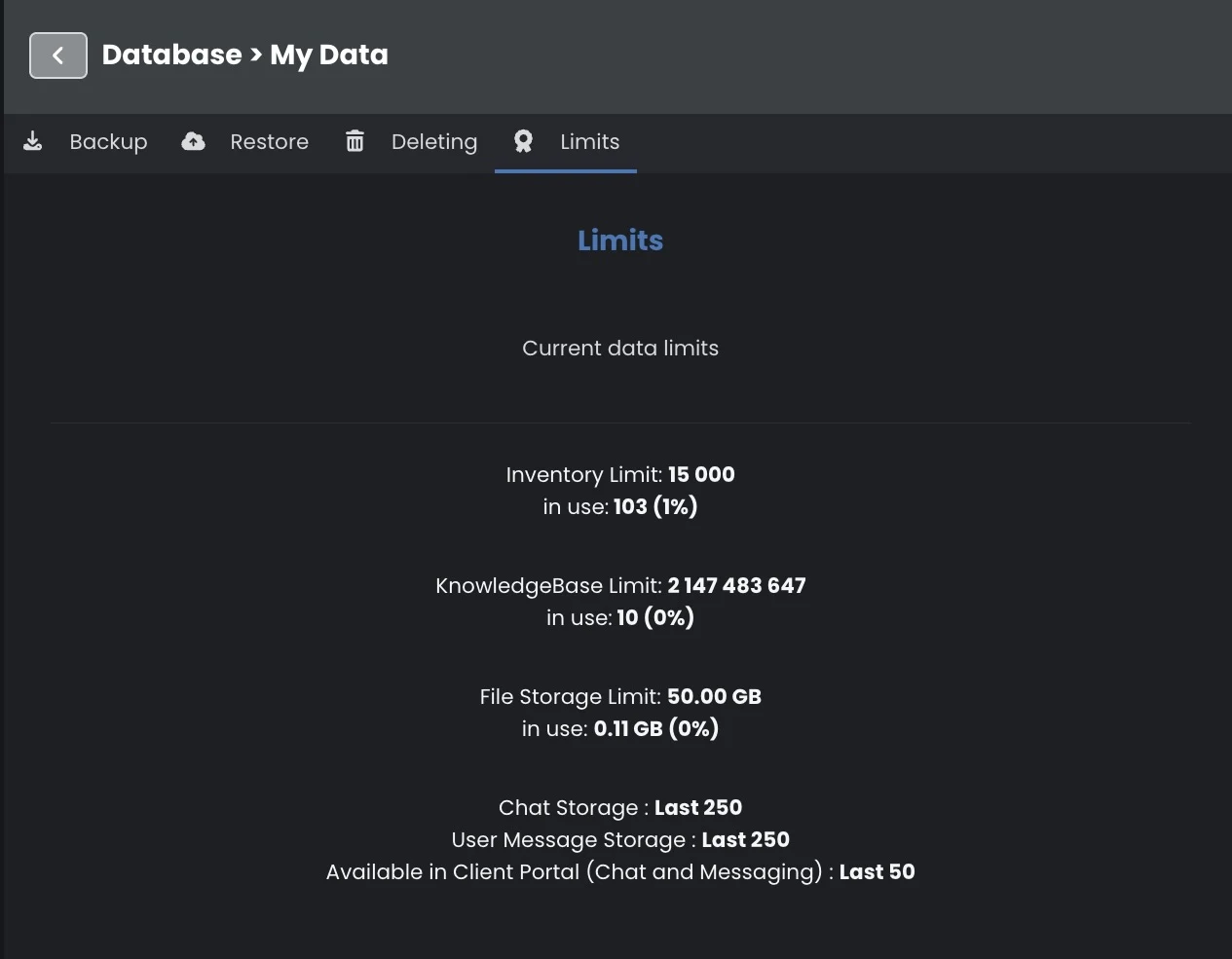
Open Limits to see inventory, knowledge base and file storage limits and usage. The symbol ∞ means unlimited. The tab also shows how many recent chats and messages are retained and how many are available in the Client Portal. Codenica recalculates usage after restore or deletion. File storage reflects the files in the repository, so deleting database records alone may leave that figure unchanged.