
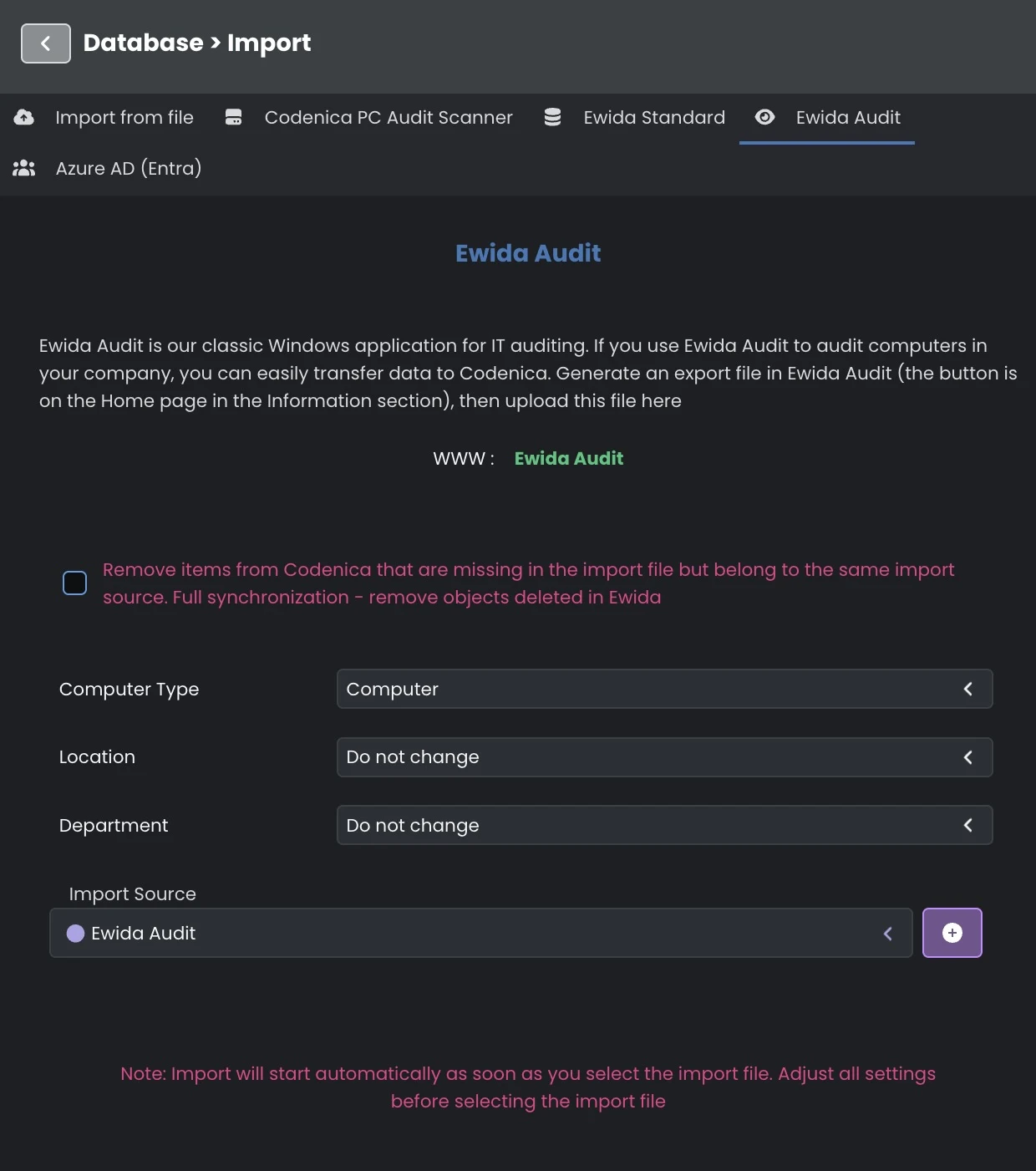
Use the export from Ewida Audit to bring audited computers and their hardware and software into Codenica.
Run the import
On the Ewida Audit home page, generate the export under Information. In Codenica, sign in as an administrator and open Settings → Database → Import → Ewida Audit. Choose the computer type and source name. Set the location and department if you want to assign them, or leave Do not change selected. The import starts when you select the export file. Review the summary and open several records and their linked items.
When to use full synchronization
Use it when a complete export should replace the previous import from the same source. Codenica removes earlier records with that source name from the datasets covered by the importer, then loads the current file. For a partial export or a different group of computers, use a separate source name or leave deletion off. Download a current backup before replacing data.